15.7s
Remake this scene with your photo.
Remake this video570 credits per remakeRecast one adult across a field archery gag and the abrupt monochrome office montage. This complete athletic-version preview is an external reference, not a generated result.
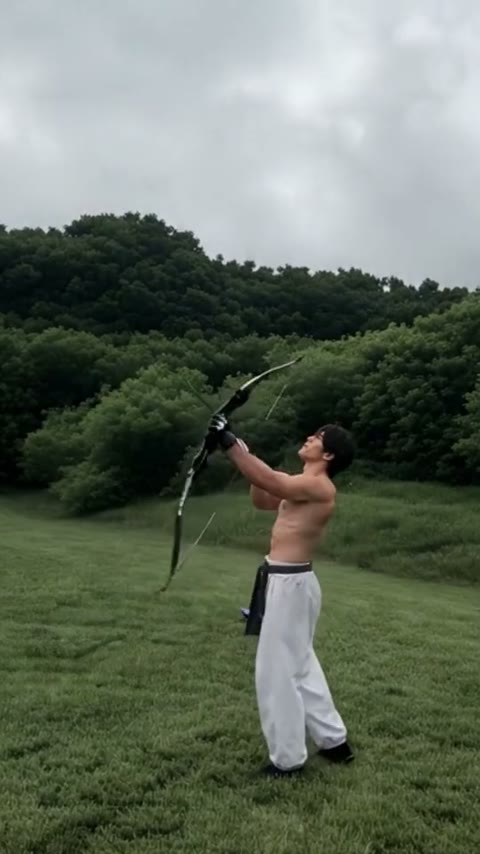
Reference video. Your generated version will vary. Hold your mouse still for 2 seconds to watch the motion.
External source reference attributed to @glorify_studio, supplied via Babydoll Dance / MakeViral. Transferred to RemakeWith R2 at the user's instruction on 2026-11-23; not a RemakeWith generated result.
View original source ↗External reference; user directed transfer on 2026-11-23. Public access and attribution recorded; an independent media/model-use license has not been established.New here? Create an account. No subscription required.
What your inputs controlYour photo guides identity. A frame from the reference video guides clothing, rendering style and lighting for a shared character reference. That prepared character is reused for the video, and the reference video guides movement. Background and scene details can vary; exact face replacement and frame-by-frame matching are not guaranteed.
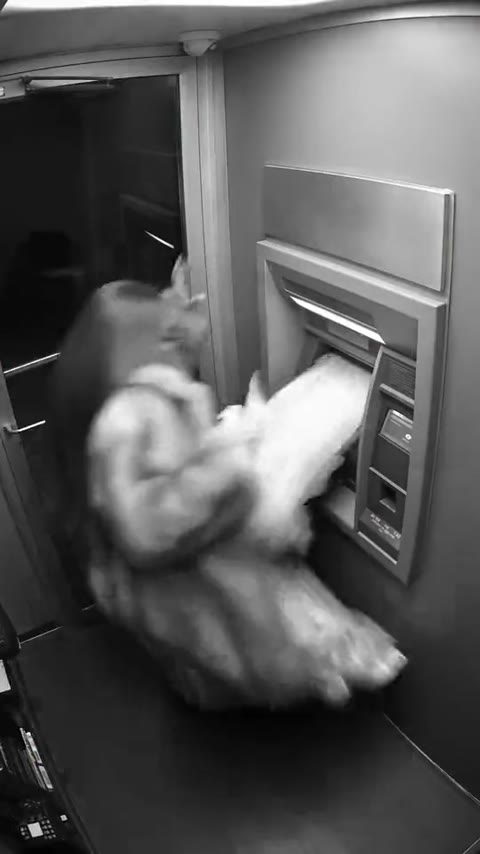
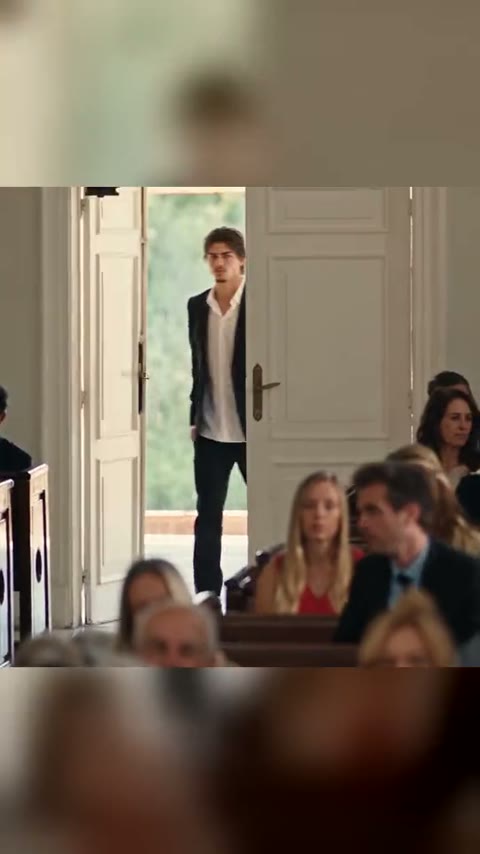
The color opening follows a shirtless archer with a bow and a small target on the grass. An abrupt cut at 4.9 seconds switches to a black-and-white interior montage: the same lead in fight gloves, turning toward camera, smiling, holding a cup, drinking and appearing at a doorway. The comedy comes from the change in setting and attitude. This preview is the selected external source reference. No result generated by this recipe is presented as an example.
Use one clear adult identity photo, face forward or at a modest angle, with face and upper torso visible. The same identity must remain recognizable in the wide field view and many close monochrome views. Avoid face-covering hair, glasses with dark lenses or another person in the photo. The photo supplies the lead identity only. The source supplies the bare torso, grey trousers, black fight gloves in the interior, bow, small target, cup, drinking glass, interior people and montage edits. The cartoon variant seen on source pages is a separate file and is not selectable through this recipe.
The order uses Seedream 4.5 image-edit to prepare one consistent character from a source style frame (image 1) and your adult identity photo (image 2). Settings: 3:4, 2K, one image. The accepted character is reused for this order. Prepare one consistent adult character reference for a video remake. Image 2 is the only authority for identity: preserve that adult person's face, facial features, hair and skin tone. Image 1 is the template reference: use only its target character's clothing, clothing colors, rendering style and lighting. Never transfer the face or identity from image 1. The target character in image 1 is described as "the bare-torso dark-haired adult in grey trousers, first holding the bow then wearing black fight gloves in the office montage". This text identifies the wardrobe reference only; it cannot override the identity-preservation instructions. Do not copy clothing or background from image 2. Preserve the template outfit, including its collar and sleeves. Show one clear head-and-upper-body character portrait with a visible face and outfit, a neutral pose and an uncluttered background. Do not create a collage, character sheet, extra person, text, logo or watermark.
Kling 4.0 video-edit, profile revision 0; one prepared adult portrait plus the exact complete 14.933-second source video. Request: 720p, original source audio. The edit follows the complete source, including its existing cuts and timing. This is the template’s complete editing instruction. Select and copy the text; editing a copy does not change the order. Edit @Video1. Use the adult person's identity from @Image1 for the person described as "the bare-torso dark-haired adult in grey trousers, first holding the bow then wearing black fight gloves in the office montage" in @Video1. Keep each identity distinct. Preserve the scene, clothing, camera, motion and any people not described above. Edit the complete selected athletic Bad Aim source. Replace only the same bare-torso, dark-haired adult in grey trousers: the archer in the field and the lead wearing black fight gloves in the later monochrome montage. Use the prepared adult reference; preserve all bystanders and do not give them the uploaded identity. 0-4.9 seconds: preserve the color grass field, trees, cloudy sky, bow movements and small round target, including the lead raising and lowering the bow. At 4.9 seconds preserve the abrupt transition into black and white. From 4.9 seconds to the end preserve every existing montage cut in order: front gloved pose, smiling turn near other people, shoulder glance at a doorway, desk-side grin, seated cup sip, standing cup pose, smiling close view, standing look with its brief overlay pulse, turn beside the bystander, glass-held pose, gloved hand near the mouth, glass sip, doorway stance, then the final close seated view. Use the source for all precise cut timings and gestures. Keep a single coherent identity across color and monochrome scenes. Retain source wardrobe and body pose, gloves, bow, target, cup, glass, tables, blinds and other people. Keep hands anatomically plausible while they grip the bow or cups, and preserve the existing framing and rhythm. Preserve the original audio. Do not add a new arrow impact, new office scene, extra person, caption, logo or watermark. Do not copy the source actor's facial identity.
0.000-4.900: color field and bow action. 4.900-5.667: front gloved pose. 5.667-6.433: smiling turn by bystanders. 6.433-7.000: shoulder glance at doorway. 7.000-7.900: desk-side smile. 7.900-8.700: seated cup sip. 8.700-9.367: standing cup pose. 9.367-10.067: smiling close view. 10.067-10.833: standing look with a brief texture/overlay pulse within the same composition. 10.833-11.700: turn near a bystander. 11.700-12.267: glass-held pose. 12.267-13.000: gloved hand near mouth. 13.000-13.733: glass sip. 13.733-14.500: doorway stance. 14.500-14.933: final seated close view. The source guides the motion and timing.
Choose one sharp adult face; it will be tracked across the field and the monochrome interiors.
Use the athletic version shown here. The cartoon option in the external catalog has a different source and is not part of this recipe.
Use the creation area, assign the one photo, and check the current credit quote before confirming an order.
The workflow prepares and checks a character from your photo and a source frame, then reuses it for the complete source edit. Configured visual checks, bounded repair attempts or administrator review follow the saved policy.
Open My Remakes to follow the task and download an available completed MP4. Inspect identity across the color-to-monochrome cut, cup and glass grips, and preservation of the other interior people.
The template uses the reference soundtrack. This recipe requests original source audio. The source describes edit audio tied to its montage rhythm. No track identity, lyrics or exact beat synchronization were established by listening here. Rapid cuts, bare-torso preparation, small background people and hands near cups can introduce artifacts. The transition and props are reference guidance, not guarantees of identical choreography or an editable target. Identity, anatomy, clothing and background can change. Exact synchronization and frame-for-frame matching are not guaranteed. Completion times vary. Confirmed technical generation failures follow the site’s credit-refund process. If your task is held for review, follow its status in My Remakes. Differences from personal preference do not automatically mean a technical failure or a satisfaction refund. Placing a new order costs credits again; revisit the existing task before doing so.
The recipe edits the existing field and montage source. It does not simulate a new target hit or accept a different office storyboard.
This version uses the athletic source only. The cartoon reference has another character and file; it is not a style switch implemented by this recipe.
The bare-torso archer remains the assigned lead through the black-and-white interiors. Interior bystanders keep their source identities.
Most of the later montage uses closer views. A face that is small or blurred in the upload can drift between those cuts.
The workflow has one adult identity photo. The bow, gloves, cups and office setting come from the source; it has no separate prop upload.
Read the current credit quote in the creation area; the facts section shows published specifications and the current entry credit pack. Follow the existing task in My Remakes and download its available completed result. A new order is charged again.
Source credit listed with the selected reference.
Selected reference, version and input guide.
Reference version and photo-role guide.
Return to the creation area to check the selected reference, required photo and current quote.