15.7s
Remake this scene with your photo.
Remake this video570 credits per remakeRecast the headphone-wearing lead across a fast film-edit montage of crowd walking, seated gestures and street dancing. External source reference; no RemakeWith generation sample is claimed.
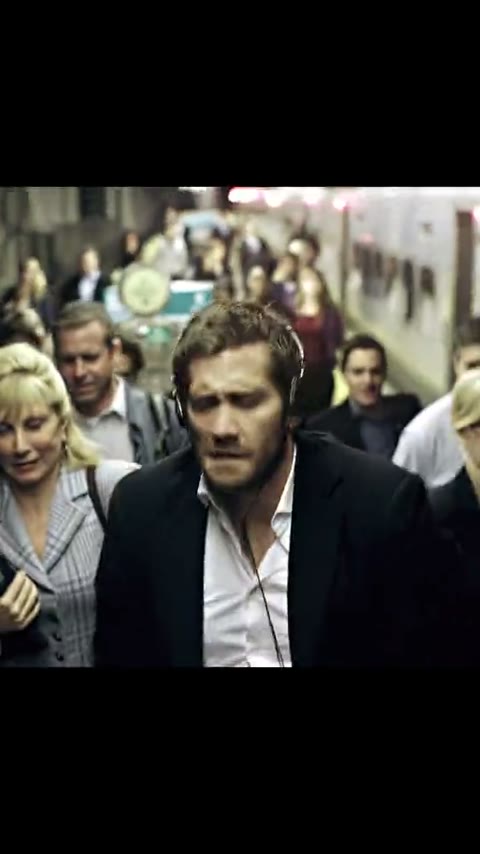
Reference video. Your generated version will vary. Hold your mouse still for 2 seconds to watch the motion.
External reference credited by the source to @anikixdd., supplied through Babydoll Dance / MakeViral. Transferred to RemakeWith R2 at the user's direction; not our generated result.
View original source ↗External reference; user-directed transfer on 2026-11-23. Independent media/model-use license unknown; public availability is not a license.New here? Create an account. No subscription required.
What your inputs controlYour photo guides identity. A frame from the reference video guides clothing, rendering style and lighting for a shared character reference. That prepared character is reused for the video, and the reference video guides movement. Background and scene details can vary; exact face replacement and frame-by-frame matching are not guaranteed.
Recast the headphone-wearing lead across a fast film-edit montage of crowd walking, seated gestures and street dancing. This selected source is a complete 14.667-second montage. It contains more than a continuous walk: seated gestures, dancing, jumps, repeated clips and white transitions all belong to this version. The preview is an external source reference credited to @anikixdd.; it is not a result generated by RemakeWith. The selected variant is Headphones crowd edit. Independently verified licensing is unknown.
Use one sharp adult portrait with the face clear and without sunglasses. The sole role follows the central headphone-wearing lead across the whole montage, including rear views and the brief changed sweater. Do not upload the crowd; it remains outside the identity replacement.
Inputs: one uploaded adult identity photo and the complete selected source video. The source supplies movement, timing, outfit, setting and existing edits. A source frame and your photo first prepare one shared character with Seedream 4.5 (3:4, 2K). The video stage uses Kling v4, video-edit, profile revision 0, 720p, video orientation and original-audio setting. The full source goes through one editing segment; the observations below are not extra generation requests. The system checks and assembles the result and makes the prepared MP4 available in your task. Exact output framing and completion time are not promised.
Prepare one consistent adult character reference. Image 2 alone supplies identity: preserve the uploaded adult's face, facial features, hair and skin tone. Image 1 is a frame from this template and supplies only the selected character's outfit, outfit colors, rendering style and lighting; never copy its face. Use the target description below only to locate that outfit. Do not take clothes or background from Image 2. Keep the template collar and sleeves. Make one clear head-and-upper-body portrait, visible face and outfit, neutral pose and uncluttered background. Do not make a collage, character sheet, extra person, text, logo or watermark. Target wardrobe locator: The dark-haired adult wearing large headphones in the center of the crowd, tracked through the later cut.
Edit the complete supplied video, changing only the headphones lead described as: The dark-haired adult wearing large headphones in the center of the crowd, tracked through the later cut.. Use the prepared character reference for the uploaded adult identity, not the source performer's identity. Keep this one identity across every appearance. 0.00–3.417: keep the headphone lead moving toward camera in the crowd and the white transition. 3.417–6.250: preserve seated sunglasses gestures, the crouch beside the post, stair movements and barrier shot in their existing order. 6.250–10.500: retain the rear-view street dance, headphone close-up, distant street pose, crowd close-up, dark back view, crowd return, jumping-post shot, rear headphones and stair descent. 10.500–11.000: preserve the brief smiling burgundy-sweater look and white flash. 11.000–14.667: retain the repeated seated, crouching, stairs, barrier, rear street and headphone close-up sequence through the end. Track one identity across outfit changes and all angles; do not apply it to pedestrians. Existing cuts and transitions are controlled by the full reference, not these grouped event ranges. Keep Every source cut, white flash and blur transition, Dark jacket, white shirt, tan trousers and later burgundy sweater, Headphones and seated sunglasses, Crowd identities, street props and black picture borders. Preserve all other people and props, source shot order, framing, camera changes and original audio. Let actual occlusions remain; do not paint a face through hair, hands or objects. Maintain coherent face, hands and limbs. Add no new shot, person, title, logo or watermark.
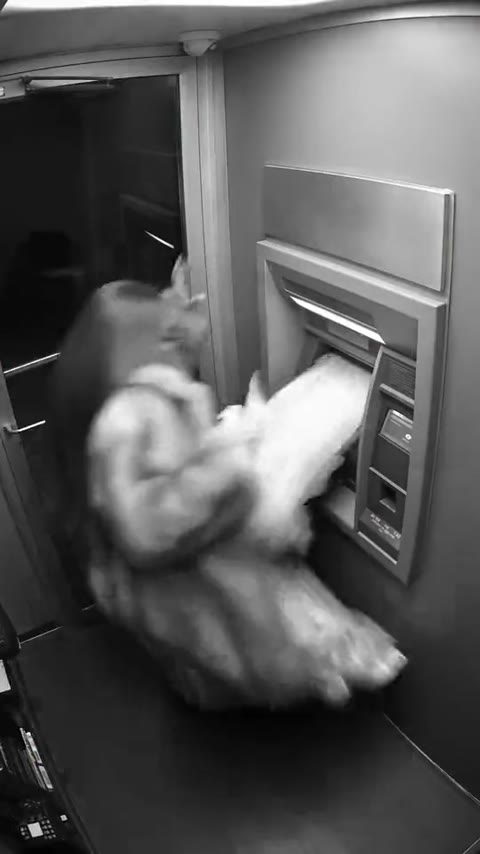
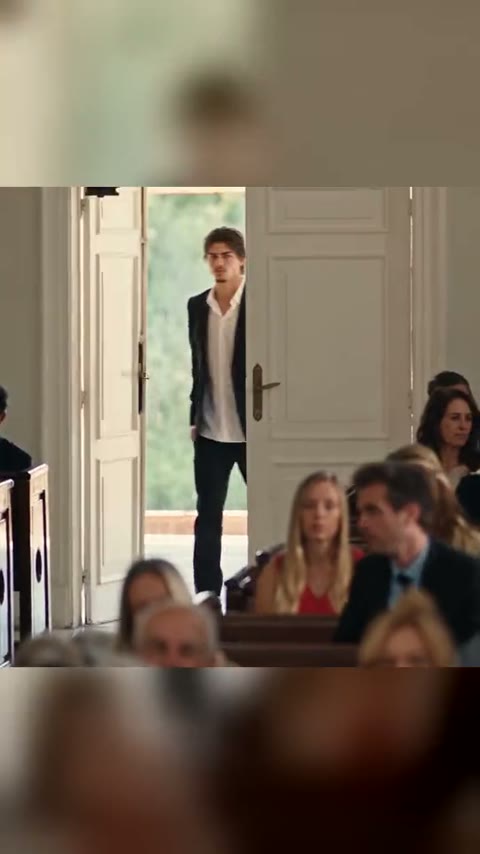
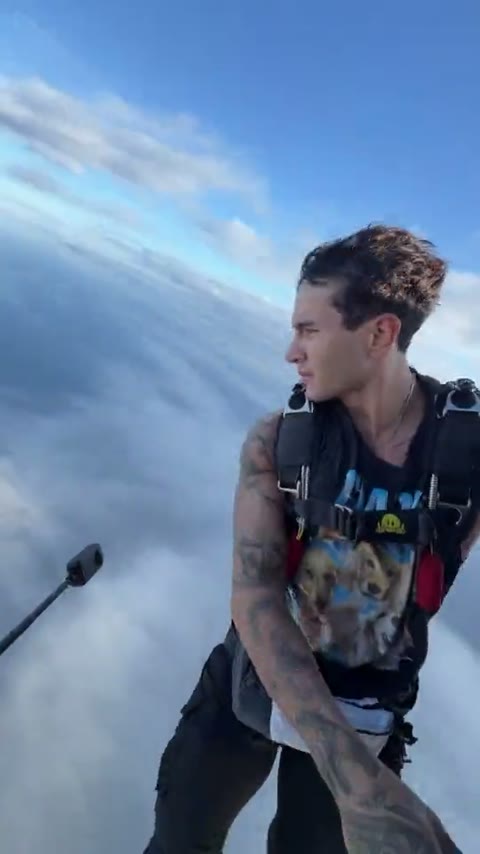
0.00–3.417: keep the headphone lead moving toward camera in the crowd and the white transition. 3.417–6.250: preserve seated sunglasses gestures, the crouch beside the post, stair movements and barrier shot in their existing order. 6.250–10.500: retain the rear-view street dance, headphone close-up, distant street pose, crowd close-up, dark back view, crowd return, jumping-post shot, rear headphones and stair descent. 10.500–11.000: preserve the brief smiling burgundy-sweater look and white flash. 11.000–14.667: retain the repeated seated, crouching, stairs, barrier, rear street and headphone close-up sequence through the end. Track one identity across outfit changes and all angles; do not apply it to pedestrians. Existing cuts and transitions are controlled by the full reference, not these grouped event ranges. The beginning follows the lead from the front in a crowded walkway, ending in a white flash. The edit moves to seated sunglasses gestures, a low crouch beside a post, stair dancing, barrier movement, a rear-view street dance and a headphone close-up. Further rapid views include a distant street stance, another crowd close-up, a darker back view, crowd walking, jumping between short posts, headphones from behind, stairs and a brief burgundy-sweater smile before repeating earlier views.
Use one sharp adult portrait with the face clear and without sunglasses. The sole role follows the central headphone-wearing lead across the whole montage, including rear views and the brief changed sweater. Do not upload the crowd; it remains outside the identity replacement.
Open the creation area and upload the portrait into the labeled role. Check that the selected reference is the version described here.
Read the current credit quote before starting. The automatic workflow prepares one shared character, edits the source-guided sequence, checks it and assembles the MP4.
Check the full result, especially Crowd overlap, rapid blur, sunglasses, rear views and wardrobe changes make identity tracking difficult. Check the same adult in each edit and preserve surrounding pedestrians. Download from the saved task when ready.
Crowd overlap, rapid blur, sunglasses, rear views and wardrobe changes make identity tracking difficult. Check the same adult in each edit and preserve surrounding pedestrians. The template uses the reference soundtrack. It keeps source audio and does not clone your voice. Check music rights before sharing. Exact likeness and frame-for-frame matching are not guaranteed. Current credits come from the creation area; a new generation is separately quoted. Confirmed technical failures use the existing refund handling, while aesthetic preference does not itself establish a technical failure.
No. The actual file includes several street and dance views plus repeated clips. The recipe keeps the complete selected edit.
Only the identified lead is assigned. All pedestrians retain their source roles and appearances.
The local source container measures 14.667 seconds. The server will verify its complete duration before publication.
Read the current credit quote in the creation area before submitting. A confirmed technical failure follows the existing credit-release/refund handling. Visual preference is not a promise of a refund. Starting another generation uses the quote for that new task.
Return to your generation task in the same signed-in account, check the finished video and use its download action. Review the existing task before starting another generation; a download retry does not require a new generation.
Selected reference, version and input guide.
Source credit listed with the selected reference.
Return to the creation area to check the selected role, availability and current quote.