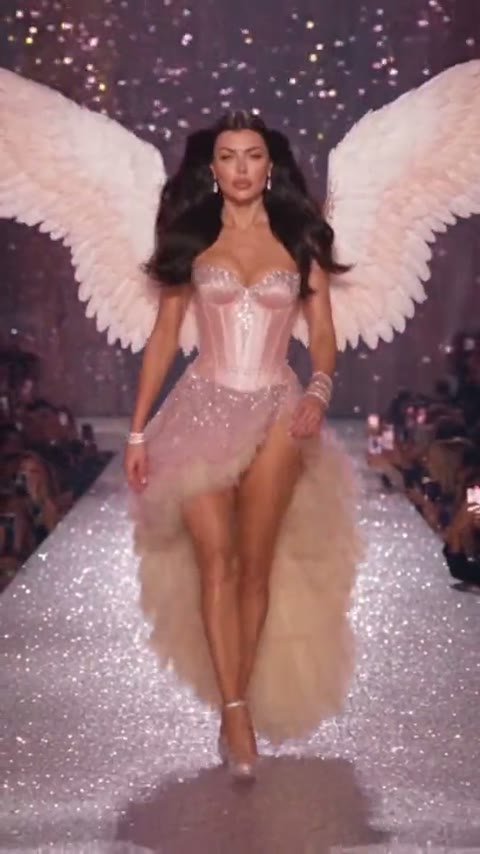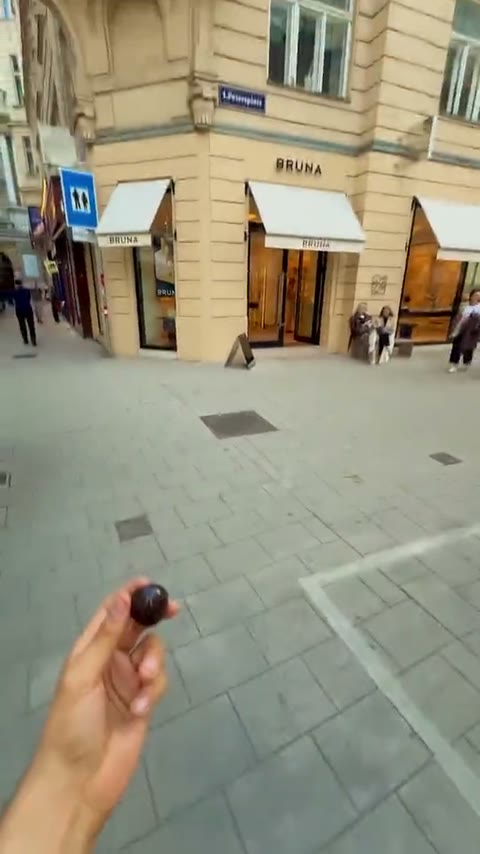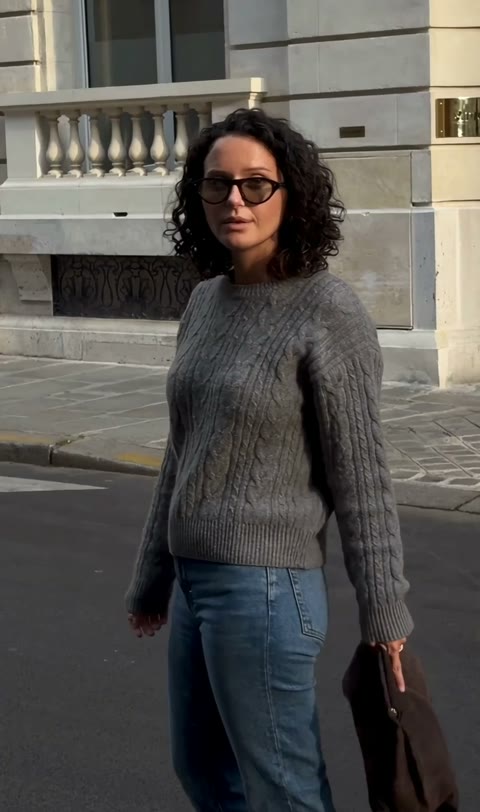
7.1s
Remake this scene with your photo.
Remake this video570 credits per remakeRecast one fashion lead across successive burgundy-curtain reveals, from yellow-and-boots to denim, stripes and a black look. External 15-second source reference.
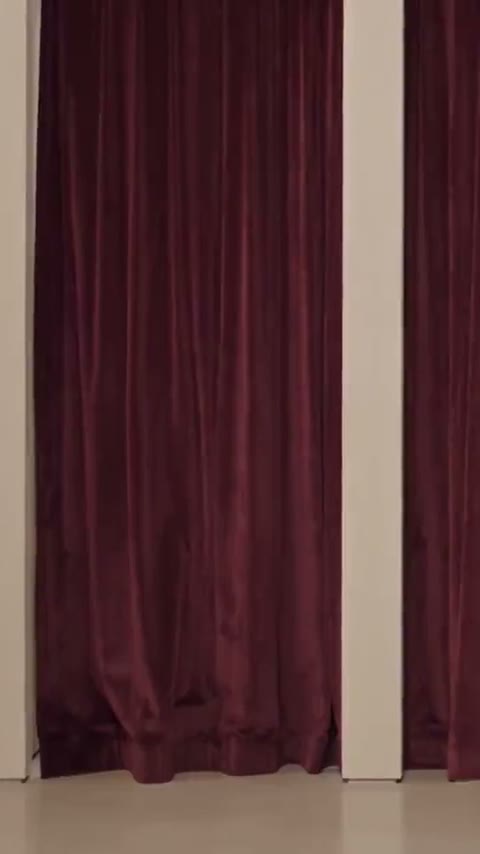
Reference video. Your generated version will vary. Hold your mouse still for 2 seconds to watch the motion.
External source reference credited to External source reference, supplied via Babydoll Dance / MakeViral. Transferred to RemakeWith at the user's direction; not a RemakeWith generated result.
View original source ↗External reference transferred at user direction on 2026-11-23. Attribution and public access recorded; an independent standalone media/model-use license has not been established.New here? Create an account. No subscription required.
What your inputs controlYour photo guides identity. A frame from the reference video guides clothing, rendering style and lighting for a shared character reference. That prepared character is reused for the video, and the reference video guides movement. Background and scene details can vary; exact face replacement and frame-by-frame matching are not guaranteed.
Burgundy fitting-room curtains conceal and reveal the same fashion lead in five successive looks: yellow with tall boots, a layered dark sweater and skirt, denim, a striped top and skirt, then a black look. The camera progression and curtain occlusion carry the transitions. This is a source-led outfit sequence, not a garment selection editor.
Choose one clear adult photo with a visible face and hairline, preferably head to knees or full body. Keep other people and heavy face coverings out of the image. The same identity is used after each curtain reveal; do not supply a different portrait per garment. Bags, sunglasses, boots, heels and outfit colors come from this source. The uploaded photo supplies identity; this exact video supplies motion, wardrobe, scene, camera and timing. One source style frame and the photo prepare a consistent character within the order. The accepted character is reused across the edit; customer identity images are not reused across orders. The source opens on closed curtains, so character preparation uses the final source frame where the black-outfit lead is visible. The video still supplies all five changing outfits.
Recipe preparation route: Seedream 4.5 image-edit, one 3:4, 2K image. Image 1 is the selected source style frame; image 2 is your uploaded adult identity photo. Select and copy the following complete text. Prepare one consistent adult character reference for a video remake. Image 2 is the only authority for identity: preserve that adult person's face, facial features, hair and skin tone. Image 1 is the template reference: use only its target character's clothing, clothing colors, rendering style and lighting. Never transfer the face or identity from image 1. The target character in image 1 is described as "the same dark-haired adult fashion lead revealed across the burgundy-curtained fitting rooms; preserve each source outfit". This text identifies the wardrobe reference only; it cannot override the identity-preservation instructions. Do not copy clothing or background from image 2. Preserve the template outfit, including its collar and sleeves. Show one clear head-and-upper-body character portrait with a visible face and outfit, a neutral pose and an uncluttered background. Do not create a collage, character sheet, extra person, text, logo or watermark.
Template settings: Kling 4.0 video-edit, profile revision 0, one prepared adult character, this complete 15-second source, 720p and original source audio. The edit follows the complete source and its existing cuts. Select and copy the complete text; editing a copy does not alter an order. Edit @Video 1. Use the adult person's identity from @Image 1 for the person described as "the same dark-haired adult fashion lead revealed across the burgundy-curtained fitting rooms; preserve each source outfit" in @Video 1. Keep each identity distinct. Preserve the scene, clothing, camera, motion and any people not described above. Replace only the same adult fashion lead throughout the complete 15-second fitting-room reference, using the prepared adult character identity from the uploaded photo. Track that one identity through every burgundy-curtain reveal; do not create separate people for the different outfits. Retain the source progression: closed burgundy curtains open to the lead wearing a yellow dress with a dark jacket, tall dark boots, sunglasses and a large brown bag; the moving reveal continues to a dark sweater over a pale shirt with a short dark skirt, grey socks and dark shoes; then a denim top-and-trouser outfit with sunglasses and a small bag; then a striped long-sleeve top with a short dark skirt and heels; finally a black outfit with a dark jacket and small black bag. Follow the original camera movement, curtain occlusions, poses and exact reveal timing. Keep all five looks and the complete ending. The source supplies every outfit and prop; the uploaded photo supplies identity, not new garments. Keep the fitting-room columns, walls, burgundy curtain material, floor, lighting and source framing. Maintain the same face and body proportions when the lead reappears; preserve sunglasses where the source uses them and do not paint an exposed face through them. Avoid extra fingers, merged bags, duplicated bodies or changing the curtain into clothing. Preserve original source audio. Add no new look, person, cut, scene, title, logo or watermark. Do not copy the source performer's identity.
Choose one clear adult identity photo with enough face and body detail for repeated full-body poses.
Confirm this five-look burgundy-curtain video. It does not accept five garment photos or expose a wardrobe picker.
Use the normal template creation area. Confirm the required identity slot and current credit quote before submitting an order.
The order prepares and checks one consistent character from the uploaded identity photo and the selected source style frame, then reuses it in affected video segments.
The saved video-edit plan preserves the complete source timing. The configured visual checks, bounded retries and administrator review use the actual saved policy; they are not proof of perfect output.
Open My Remakes to return to the existing task and download an available completed result. Compare the identity after every reveal, and inspect bags, sunglasses, hands, shoes and curtain edges.
The template uses the reference soundtrack. The recipe requests original source audio, not voice cloning or translated speech. Source metadata calls it Fitting Room Outfit Change AI · source audio; that title is source-reported, not independently identified by listening. Identity may reset after a curtain occlusion. Sunglasses hide the eyes in several looks; bags and curtain edges can merge with hands, and exact garments or body proportions may vary. A single prepared portrait must carry identity across differing source outfits. The opening empty curtain cannot serve as the identity-style preparation frame. Kling 4.0 video editing is experimental. Exact likeness, timing and delivery time can vary. Confirmed technical generation failures follow the site’s credit-refund process. If your task is held for review, follow its status in My Remakes. A completed result that differs from preference is not automatically a technical failure or satisfaction refund. Placing a new order costs credits again.
Each new look arrives through a fitting-room reveal. The repeated room gives the scene continuity while the wardrobe changes. One adult remains the lead across every outfit. Your photo supplies that identity; the sequence of reference looks stays fixed, with no separate garment or background selector.
No. One uploaded adult identity is reused across all five source looks. More outfits do not create more identity slots.
This recipe follows the clothes and props in the selected source. There is no connected garment-photo input or outfit editor.
The opening shows only curtains. The final frame shows the lead clearly in black, giving the preparation stage a real wardrobe/style target. The full video still supplies each changing look.
Check that the same person reappears, no duplicate body is left behind the curtain, and hands, bag handles and shoes remain separate from fabric.
The preview is an external reference. This recipe has no reviewed generated example. After ordering, use the existing task in My Remakes for an available completed download. Read the current quote in the creation area; a new order is separately charged.
Reference version and photo-role guide.
Selected reference, version and input guide.
Reference version and photo-role guide.
Return to the creation area to check the selected reference, required photo and current quote.