15.7s
Remake this scene with your photo.
Remake this video570 credits per remakeRecast the single lead from the desk reaction through the falling-room effect, fiery take-off, ocean flight and cloud-level finish.
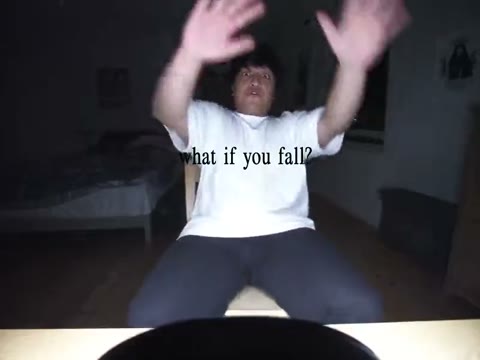
Reference video. Your generated version will vary. Hold your mouse still for 2 seconds to watch the motion.
External source reference credited to @jnl.creatives in the captured Babydoll Dance source record. Not a RemakeWith-generated result.
View original source ↗No reusable media license is stated in the captured source. Public reference transferred to owner R2 at explicit user direction on 2026-11-23; independent license verification is not recorded.New here? Create an account. No subscription required.
What your inputs controlYour photo guides identity. A frame from the reference video guides clothing, rendering style and lighting for a shared character reference. That prepared character is reused for the video, and the reference video guides movement. Background and scene details can vary; exact face replacement and frame-by-frame matching are not guaranteed.
The selected 15-second excerpt starts with a seated desk reaction and on-screen words, then lets the room floor give way to clouds. The same white-shirted lead falls backward, accelerates with fire-like trails, flies above the ocean, looks back and rises into the clouds. It is a fantasy transformation sequence, and the reference supplies the action and setting. External source reference credited to @jnl.creatives by the source page. Not a RemakeWith-generated result.
Use one sharp adult portrait with eyes, mouth and hair visible. A chest-up or wider photo with good light is useful; the input does not need a flight pose. The exact source supplies the white shirt, dark trousers, barefoot body motion, desk room, ocean, clouds and existing text. The back-facing flyer and body-only views still belong to the same identity slot. Your uploaded photo supplies identity: face, facial features, hair and skin tone. The exact source video supplies the scene, wardrobe, camera motion, actions and timing. This recipe has one adult identity slot. The order prepares one shared character image from your photo and the exact source first frame, reuses it for the full video edit, then assembles and checks the result. You do not need to create that intermediate image in another tool.
Automatic character preparation: Seedream 4.5 image-edit, one 3:4 image at 2K. Image 1 is the selected source style frame; Image 2 is your uploaded adult portrait. The prepared character is reused within your order. Select and copy the complete instructions below. Prepare one consistent adult character reference for a video remake. Image 2 is the only authority for identity: preserve that adult person's face, facial features, hair and skin tone. Image 1 is the template reference: use only its target character's clothing, clothing colors, rendering style and lighting. Never transfer the face or identity from image 1. The target character in image 1 is described as "the same white-shirted adult at the desk, falling through the floor and flying over the sea and clouds; include rear and body-only views". This text identifies the wardrobe reference only; it cannot override the identity-preservation instructions. Do not copy clothing or background from image 2. Preserve the template outfit, including its collar and sleeves. Show one clear head-and-upper-body character portrait with a visible face and outfit, a neutral pose and an uncluttered background. Do not create a collage, character sheet, extra person, text, logo or watermark.
Model: Kling 4.0; operation: video-edit. Settings: 720p, source framing and the reference’s original recording. Inputs: the selected reference video and the prepared adult character image. The edit follows the complete selected reference and its existing scene sequence. Select and copy the complete instructions below; editing a copy does not change an order. Edit the complete selected 15-second reference, preserving the original shot order, cuts, flares and flight transitions. Use the prepared character image as the sole identity reference for the same adult throughout: at the desk, falling into the sky and flying over the ocean. Keep the uploaded face, facial features, hair and skin tone consistent, including rear views and body-only shots. Do not create a new person at take-off. Keep the white T-shirt, dark trousers, bare feet and room from the source. Follow the opening seated arm gestures, hands near the head, changing expressions and the lean back. Preserve the existing on-screen words and their timing, including the large FLY beat, without adding or rewriting captions. Existing lettering may be imperfect; do not promise exact typography. Follow the floor breaking/opening into clouds and the same lead dropping backward with limbs spread. Keep debris and cloud transitions from the source, then follow the rear view above the cloud layer as fire-like jets extend behind the feet and the lead accelerates over the ocean. Retain the bright close flight view, source motion blur, near-water tracking, over-shoulder look back toward the lens, wider floating body with arms out, and the final upward rise into brighter clouds. Follow the exact selected source timing, not a new stunt or a longer flight. Preserve the sunlight direction, ocean horizon, cloud layers, room objects, source framing and intentional flares. Keep one coherent body, attached limbs, feet and trouser edges through fast motion and partial occlusion. Avoid duplicate people, face swaps between shots, added impacts, new locations, logos or new text. Retain the selected source recording for assembly; do not clone the uploaded person's voice or create new spoken lines.
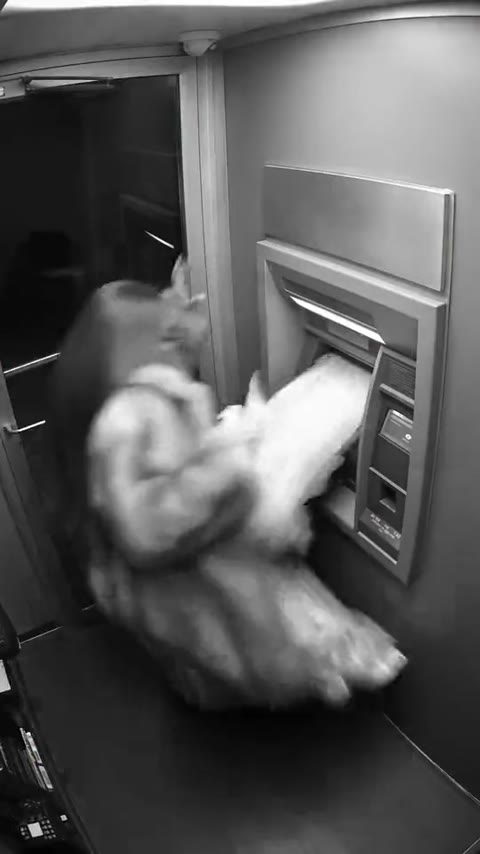
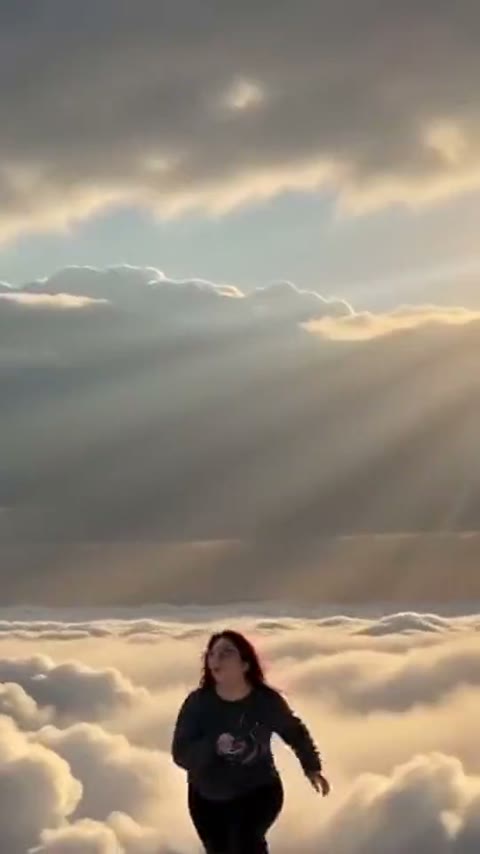
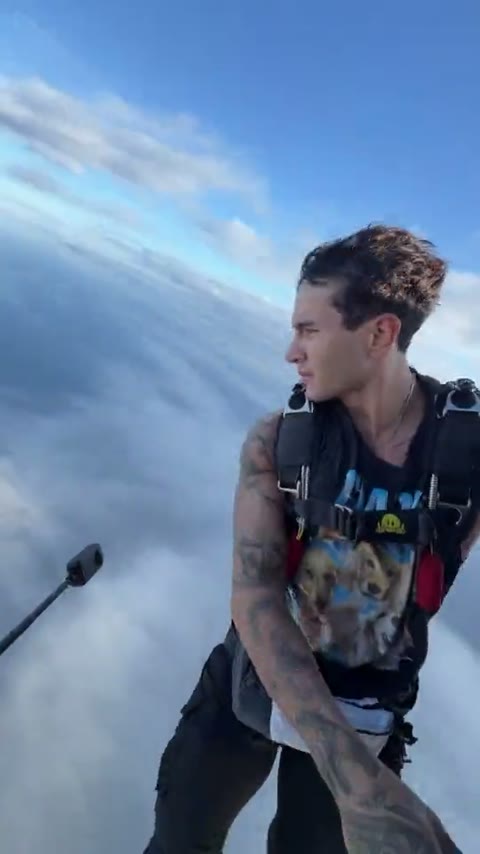
0.000–1.917s: Desk reaction and fall-question text. The white-shirted seated lead spreads the arms, gestures toward the desk and changes expression. The opening fall-question text remains on screen. 1.917–7.375s: Hands-to-head, FLY beat and floor-to-cloud fall. The lead lifts the hands near the head, smiles, opens the arms and leans back under the large FLY overlay. The room floor opens/breaks into a cloud view and the same body drops with arms and legs spread. This transition stays within this source shot. 7.375–9.250s: Rear flight with fiery acceleration. A rear view shows the lead above clouds, then fire-like trails extend behind the feet while the body accelerates toward the warm horizon over the ocean. 9.250–11.167s: Bright close flight and near-water tracking. The view passes close to the body/feet with intense fire and flare, becomes briefly washed out, then follows the lead low over the water. 11.167–12.167s: Over-shoulder look back. The white-shirted flying lead is viewed from behind over the ocean, then turns the head and smiles back toward the camera. 12.167–13.458s: Wide floating body above the sea. The full body is seen from a wider angle with arms spread, feet lifted and the sun reflected across the water below. 13.458–15.000s: Upward rise into clouds. The lead rises more upright with flame-like trails near the feet; a fast low-angle pass and blur lead into a cloud-level rear view at the selected ending. One full-source video edit preserves the complete selected 0–15s excerpt, its actual cuts and continuous transitions. The lead remains the affected character in every body/face view; the bright flare remains part of the continuous transition.
Choose one clear adult portrait with visible hair and face. Review the fast transitions and the cloud ending so the selected excerpt is familiar.
Use the creation area and upload your photo to the Flying lead slot. Check that the selected reference is the version described here.
Check the current credit cost, input role and settings before submitting.
The order prepares one consistent character reference, edits the complete source video and assembles and checks the result. Follow the existing task in the same account.
Inspect identity before/after the fall, body continuity in rear and tiny views, fire/feet separation, existing text and the final cloud shot. Download the completed MP4 from the result view.
Identity can drift when the figure becomes small, back-facing or blurred. The falling body, bare feet and fire trails may distort or duplicate limbs, and existing caption letters may change. This version ends above the clouds, without a landing. The template requests the recording attached to the reference, without generating your voice or a new soundtrack. Track identity, music permissions and exact synchronization have not been independently verified; check the sound and relevant rights before sharing. Video editing is experimental. Likeness, anatomy, clothing, props and background details can vary; an exact face match or frame-for-frame copy is not guaranteed. Check the current specifications and credits in the creation area. No fixed completion time is promised. Confirmed technical failures follow the site’s credit-refund handling. A completed result that differs from your preference does not automatically qualify for a refund. Each new generation uses credits again; return to the existing task to review or download it before ordering another. The preview is an external reference, not a RemakeWith-generated result. An independent license for reusing the source media has not been established; attribution alone does not grant reuse rights.
No. One adult identity is reused from the room through every flying view, including the back and body-only shots.
This recipe follows the reference’s existing overlays and offers no text field. AI may still alter lettering; changing a copied prompt does not change the saved execution.
No. The complete selected 15-second excerpt finishes in the clouds. A longer source mentioned by a supplier is not silently substituted or extended here.
No. A clear adult identity photo is enough for the identity input. The source supplies the wardrobe, seated gestures and fantasy movement; body and clothing can still vary.
Check the current server credit quote in the creation area before submitting. A new generation normally has a new charge. Confirmed technical failures follow the existing refund flow; visual differences alone do not guarantee a refund.
Open the existing task in the same signed-in account. When the result is complete, inspect the full video and download the MP4 from its result view. Check a running or uncertain task before submitting again.
Selected reference version, scene description and photo guidance.
Template family and version information for the selected reference.
Credited external source reference. Independent reuse rights have not been verified.
Review the selected reference, your photo and the current quote before creating. The source preview is an external reference.