
5s
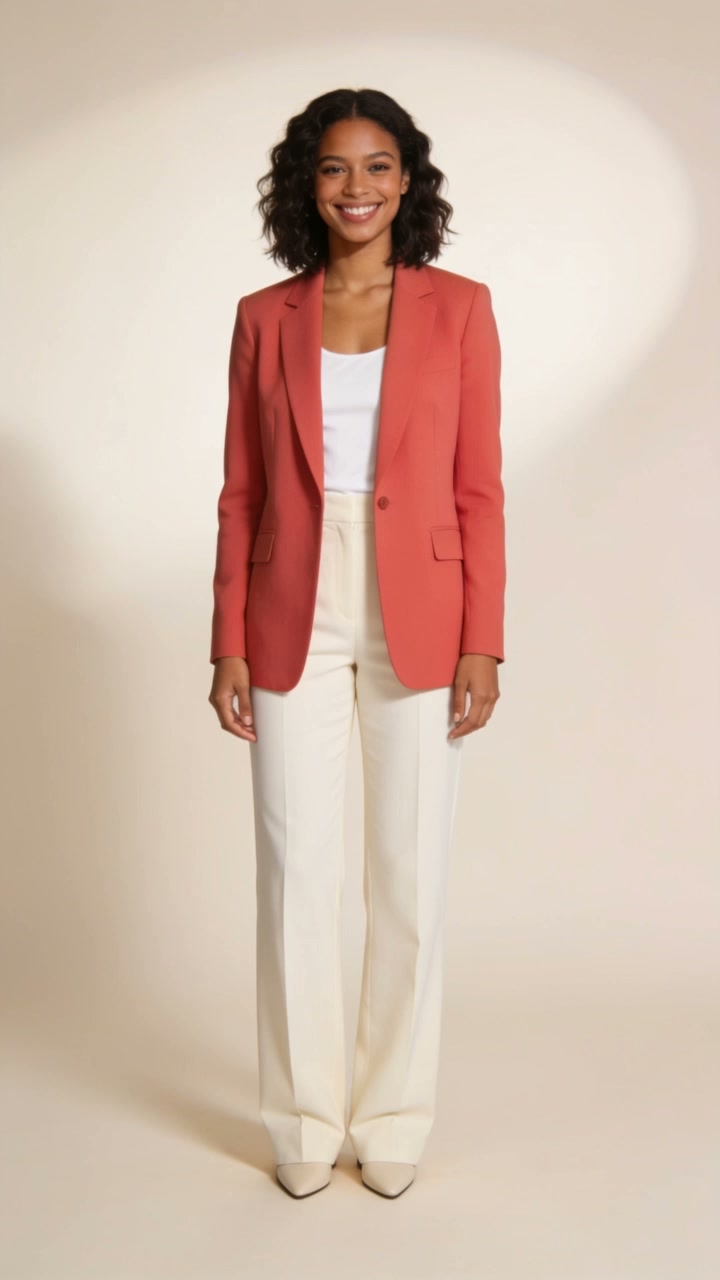
AI likeness may vary. Recreate a coral blazer look in a soft ivory studio, or upload your own image for inspiration. Your portrait guides identity; the reference supplies the style.
Create this image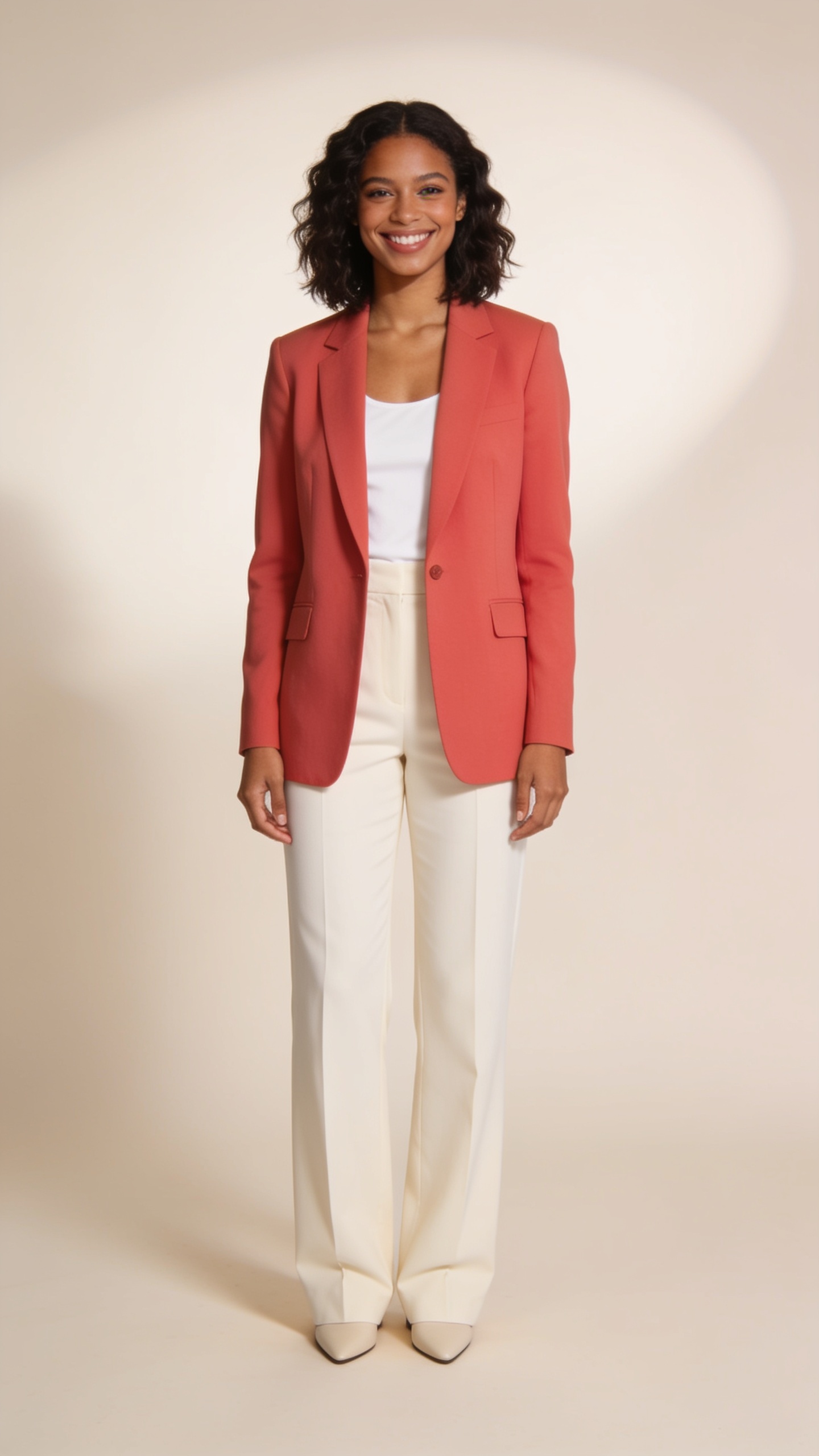
Style reference image. Your generated version will vary.
What your inputs controlYour portrait guides identity. The template reference or your optional inspiration image guides the outfit, composition and lighting. Facial and style details can change.

This reference pairs a coral blazer with light trousers and a simple studio backdrop. Its clean composition and soft light guide the style of the generated image. Your portrait is the identity reference. The final image can interpret the outfit, face and framing differently from the source.
Use a clear photo of one adult, with the face unobstructed. This upload guides who appears in the image.
Keep the coral studio reference, or open the optional inspiration upload to supply an image you have permission to use.
Review the face, outfit and composition in the completed result. A new generation is a separate version and uses credits again.
Provider demonstration: Historical launch demonstration generated with Seedream 4.5 using a portrait and a separate style reference.
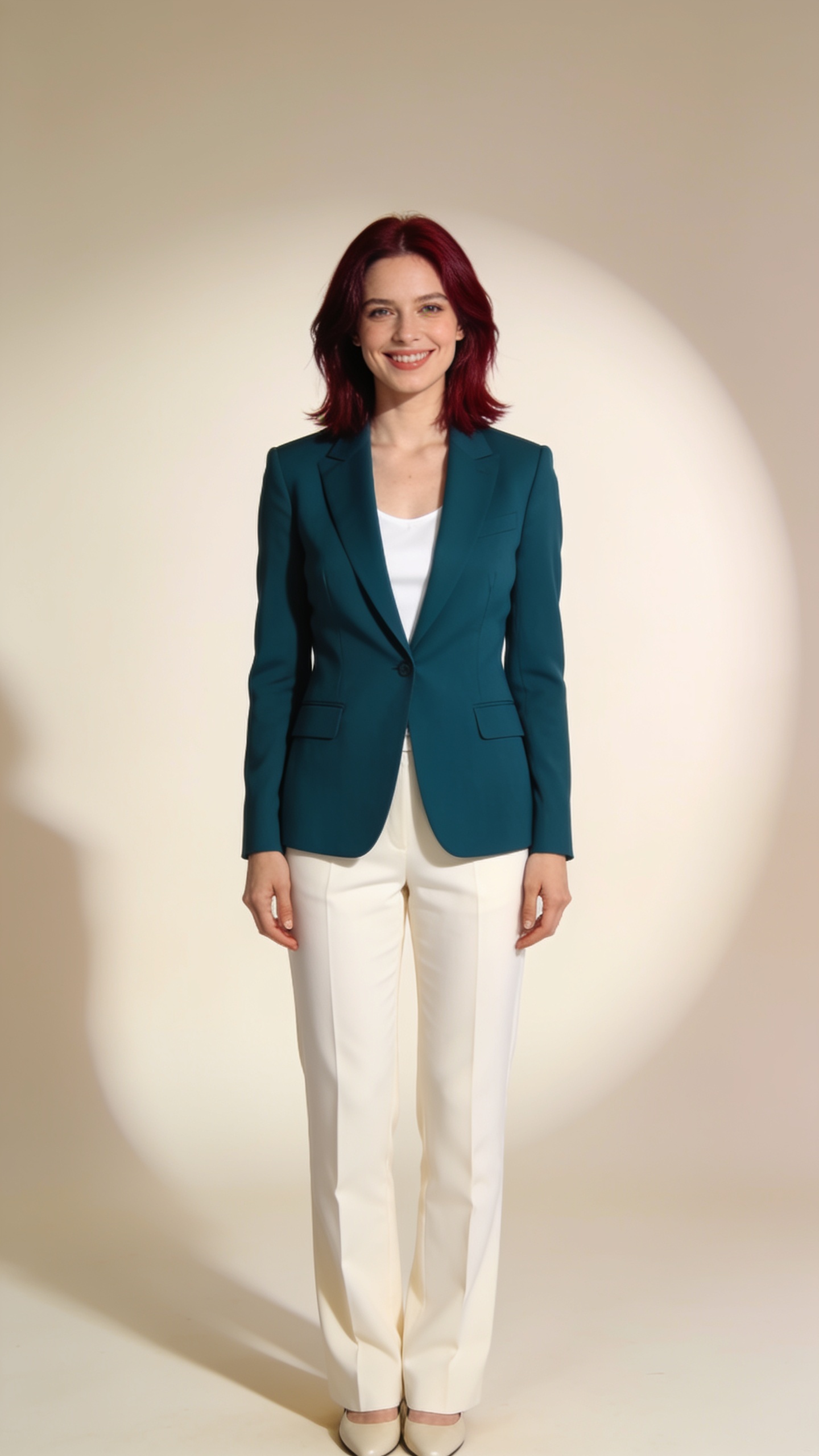
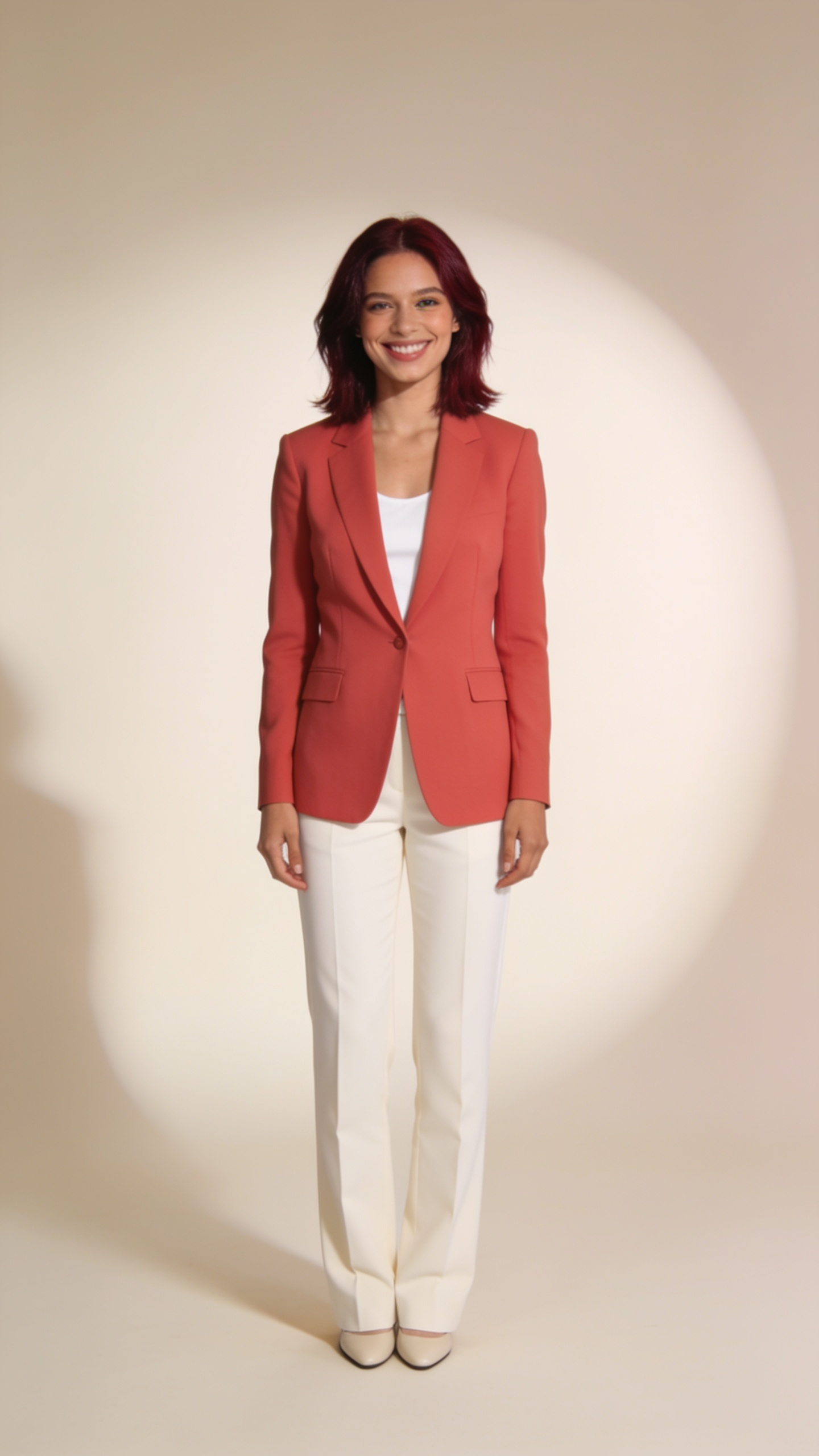
This reviewed result changes the teal outfit toward the coral reference while keeping auburn hair and a pale studio composition. The face, proportions and framing differ from the input.
This is one historical launch demonstration. Exact identity, garment shapes, colors and composition are not guaranteed for a new generation.
Your required portrait guides identity. The coral studio reference guides the outfit, composition and lighting. If you add an optional inspiration image, it replaces that style reference.
Exact matching is not guaranteed. This is a generated image, so the model can change facial details, garment shapes, color and framing.
No. The portrait and optional inspiration are separate uploads. Keep your portrait in the required photo slot, then add the image you want to borrow style from in the optional inspiration area.
The input and reference subjects in the labelled launch example are synthetic adults. Its result is an actual generated image, shown with the inputs so you can compare what changed.
Provider information about generating and editing images with reference inputs.