
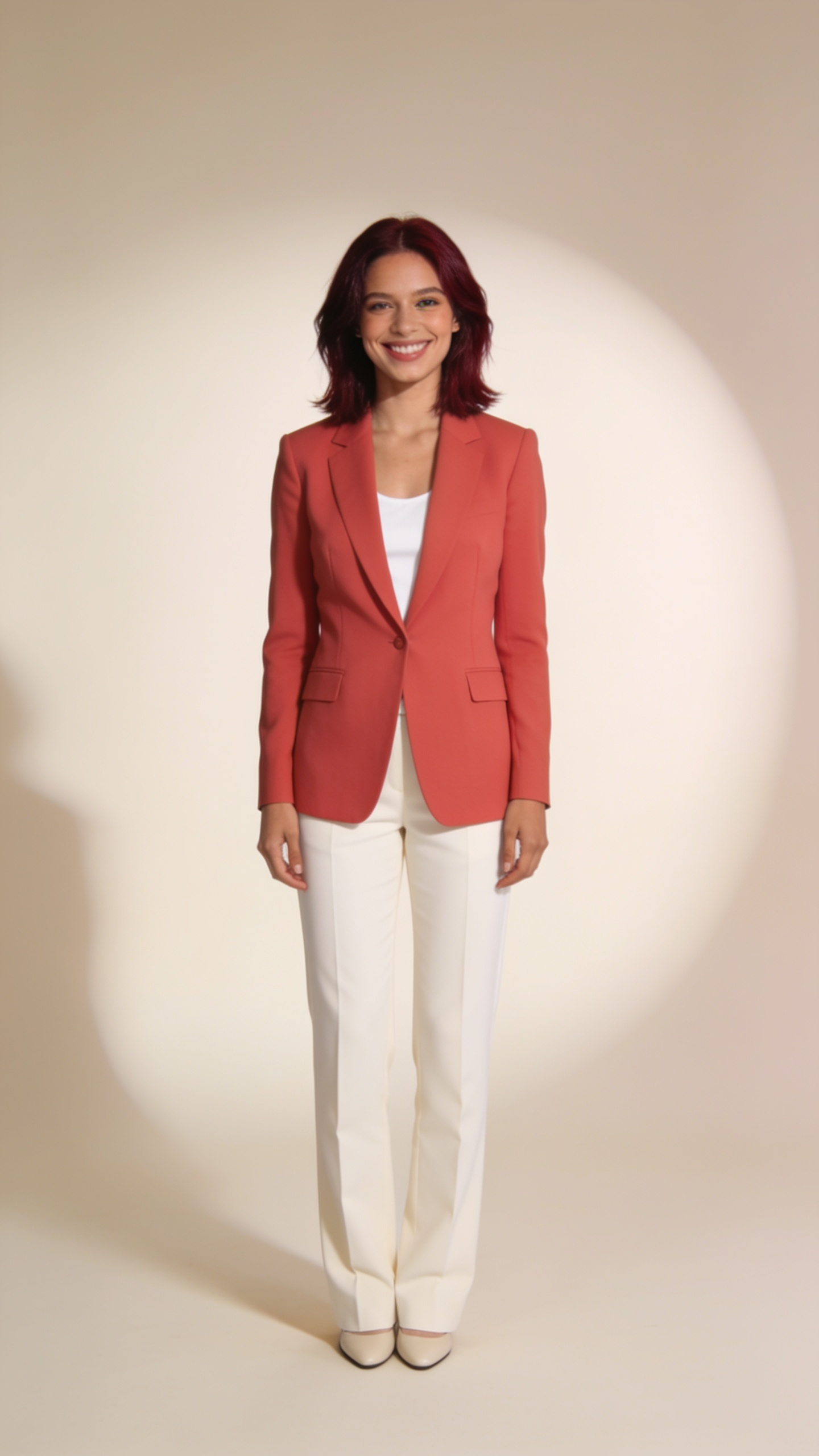
Image
Step into a clean fashion studio. Recreate a short turn and relaxed pose using your own portrait. AI likeness and movement can vary.
Remake this video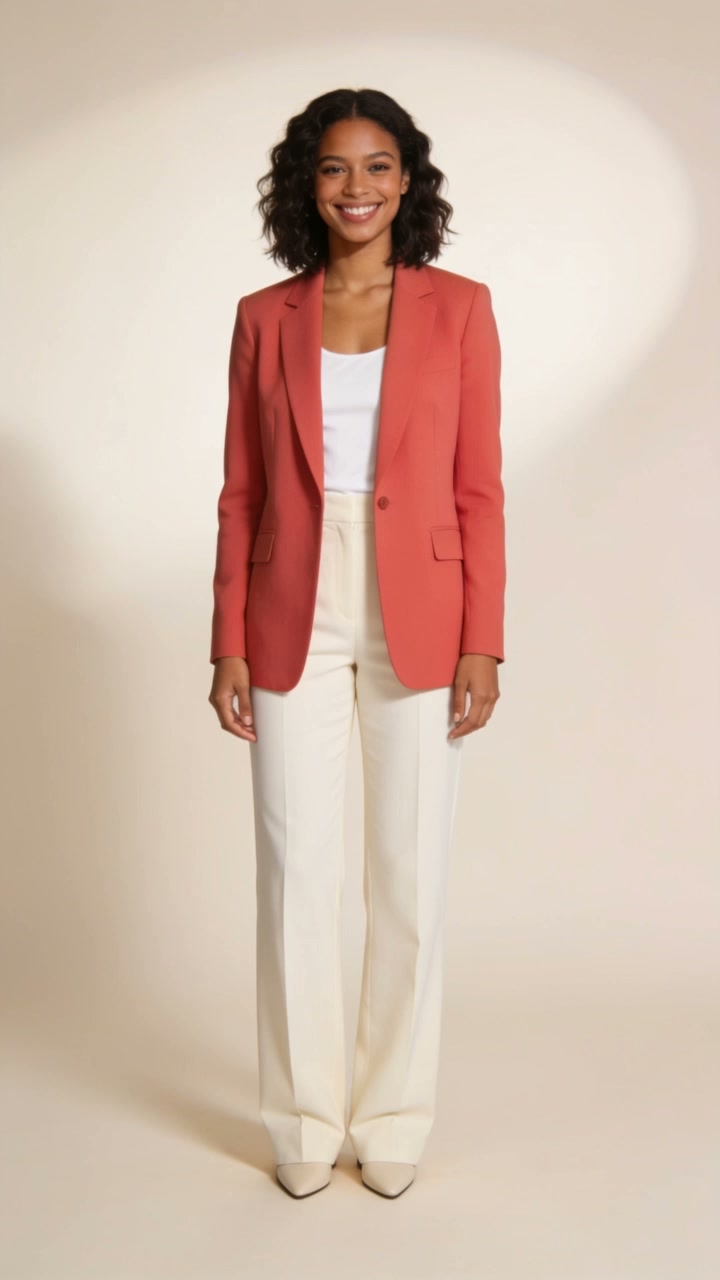
Reference video. Your generated version will vary. Hold your mouse still for 2 seconds to watch the motion.
What your inputs controlThe reference video supplies the movement. Your photo supplies the person, clothing and background. This does not copy the reference scene or perform exact face replacement.
Studio Turn borrows a relaxed turn and pose from a short reference video. Your photo supplies the person, clothing and background in the new video. Choose a photo whose setting and outfit you want to keep; this motion template does not recreate the reference scene.
The reference includes full-body movement. Choose a clear full-body photo with space around the person, a visible face and unobstructed limbs. Your photo supplies the outfit and background. The video supplies motion, while AI can change facial details, hands and body movement.
Use a photo of the adult you want to appear in the remake, without another face competing for attention.
A well-lit, full-body photo gives the generator more information for the turn. Avoid hidden limbs or a heavily cropped head.
Watch the turn and the final pose. Check the face and hands before choosing whether to keep or download the result.
Provider demonstration: Historical launch demonstration generated with Kling v3 Motion Control.
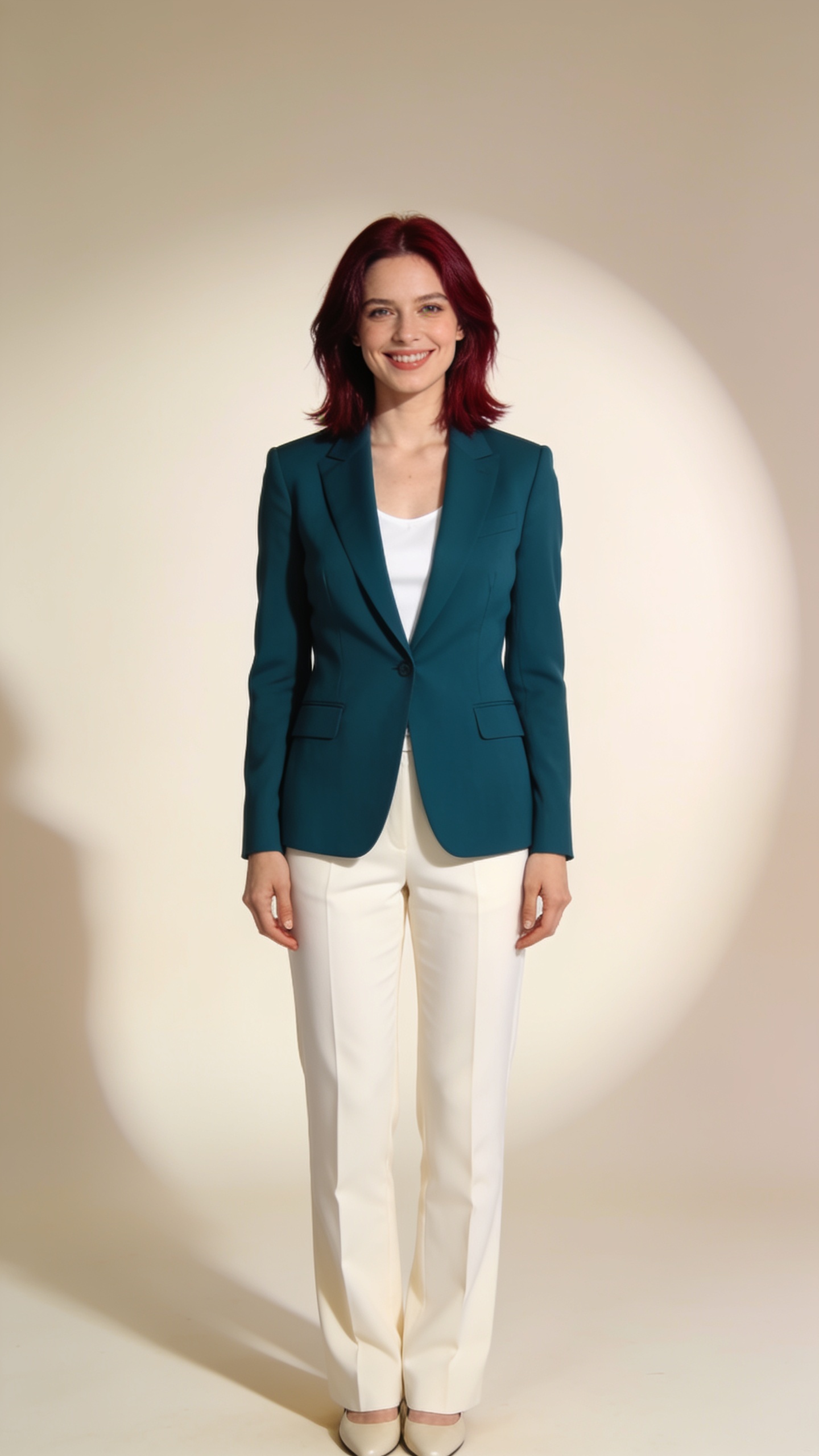
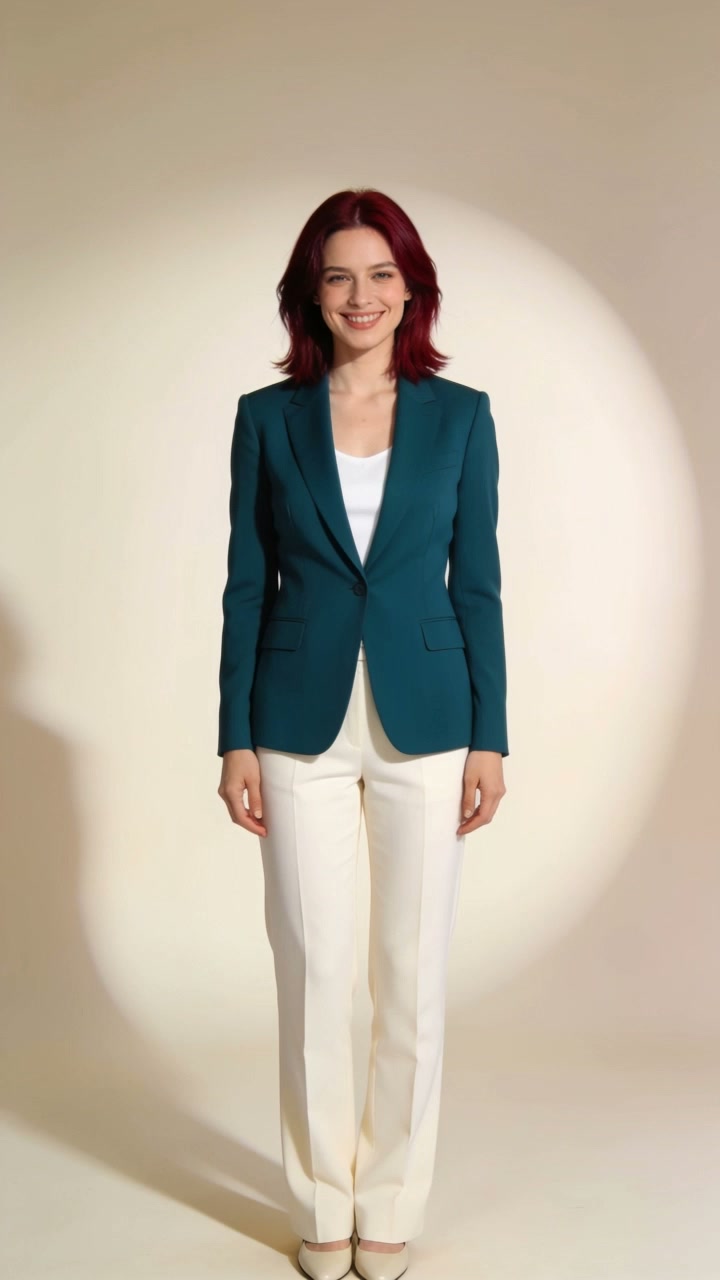
Reviewed frames show the uploaded subject in the teal outfit and pale studio setting, following the short turn from the reference. This generated clip is 4.8 seconds long.
This is one historical launch demonstration. Facial likeness, hands and movement can change in a new generation, and the example does not guarantee the same result for another photo.
The reference video guides a short studio turn and relaxed pose. Your photo supplies the person, clothing and background, so choose a photo you want to animate.
The clothes and background come from your uploaded photo, rather than the reference video. This template transfers motion; it does not recreate the source scene or replace faces frame by frame.
No. The model generates a new video from the reference motion and your photo. Facial likeness, clothing and body movement can vary.
A clear full-body photo is a useful match for this reference because it includes full-body movement. Keep the face visible and avoid a crowded background.
Yes. Your request stays in your account. Return to this template to see its progress and download the result, or open My remakes to find your saved work.
Provider information about transferring reference-video motion to a character image.