Why Does the Clothing Change During My AI Video?
See why clothing can shift as your photo becomes a video, what to check in the original image, and when a different photo is worth another attempt.
 RemakeWith Editorial4 min read
In this guide
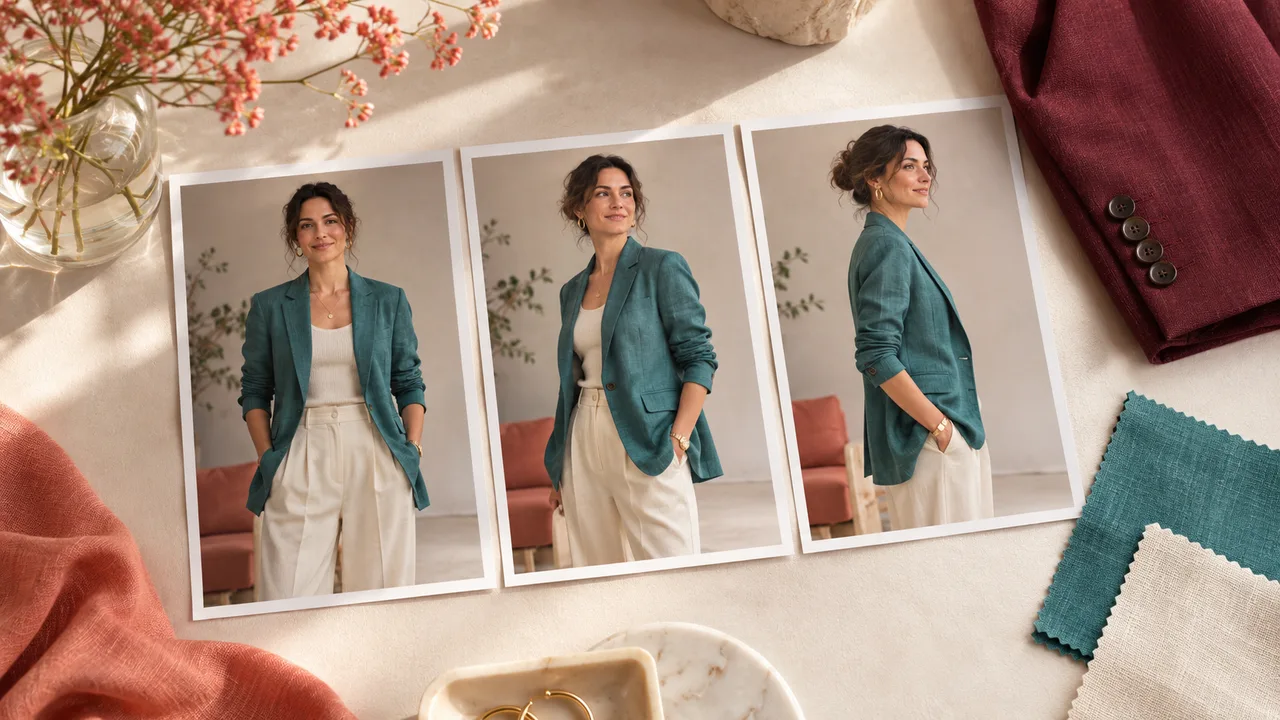
Clothing can change during an AI video because the finished clip is newly generated. A clear outfit in your photo gives the tool a starting point, but a turn or gesture can reveal areas that the photo does not show. Buttons, sleeves, folds, patterns, and the back of a garment may shift as the person moves.
In RemakeWith's current video template, your uploaded photo supplies the person's appearance, clothes, and background. The template supplies the movement. That helps explain why your own outfit appears, but it does not promise that every clothing detail will remain identical throughout the clip.
Before paying for another version, find the exact change that bothers you. A moving fold and a sleeve turning into a different shape deserve different decisions.
Watch the whole clip before judging the outfit
Play the video once at its usual size. Then pause near the moment when the clothing looks wrong. Compare the beginning, that moment, and the ending.
Ask what actually changed:
- Did a shadow move across the fabric, or did the fabric itself change color?
- Did a fold hide a button, or did the button disappear entirely?
- Did a sleeve bend with the arm, or did its length or shape change?
- Did a pattern move naturally, or become a different pattern?
The point is to name a visible problem. “The whole outfit feels off” is hard to act on. “The left sleeve becomes short halfway through the turn” tells you what to inspect in the source photo and what to watch in any new result.
Also check your face separately. If the main problem is resemblance, the more useful starting point is why your video does not look like you.
Check whether the photo shows enough of the clothes
Open the original photo and look at the part that changed. Is it clear and fully visible? An arm, bag, long hair, deep shadow, or the edge of the photo may hide it.
A single front-facing picture cannot show every side of an outfit. If the reference movement turns the person, the generated clip must create views that were missing from the photo. Those views can differ from your real garment.
For example, suppose your photo shows a jacket from the front, but one arm covers the side seam. A turn may expose that seam and the jacket's back. A second front-facing photo with the same hidden areas does not add the missing information. It may produce another result, but it does not give you a reason to expect an exact back view.
Use the photo selection guide to check visibility and framing before choosing another input.
Decide whether a different photo would help
A useful replacement photo changes something relevant: the sleeve is unobstructed, the fabric is easier to see, or more of the body is inside the frame. Keep the person and outfit you actually want in the uploaded image.
| What you notice | A useful next check |
|---|---|
| An arm covers the area that changes | Look for a photo with that part of the outfit visible |
| Small details are already unclear | Choose a sharper original rather than a heavily filtered copy |
| The motion reveals an unseen side | Review whether this movement suits the photo at all |
| The reference wears different clothes | Check your own input; the reference is not a wardrobe replacement |
Changing the photo may improve the information available to the generator. It cannot guarantee a particular result. RemakeWith does not offer a clothing repair brush or a setting that locks every detail.
Keep the version that works for its purpose
A small inconsistency may be acceptable in a playful personal clip. It may be a reason to reject the result when the outfit itself is what you want to show. View the whole video the way your friend or follower will see it, then decide.
Keep the original photo if you need an accurate record of the clothing. Avoid presenting generated details as proof of what a garment really looks like from an unseen angle.
If you want to try again, name one change first and set a spending limit. A completed clip with unwanted clothing details is not automatically a technical failure; another generation uses credits again. Read how to decide whether to make another version, then review the movement on Studio Turn before starting.
Written by RemakeWith Editorial
Practical guides for making a video with your own photo, from choosing a template to saving a clip you want to share.
About the editorial teamKeep going
All guides
Choosing a template
Will My Video Keep My Clothes and Background?
See what comes from your photo and what comes from the video template, so you can choose the right outfit and setting before making your own clip.
Your photo
Which Photo Should You Use for Your Video?
Choose a clear photo that suits your video template. Check the face, clothing, background and file before making a personal video from your picture.
Getting a better result
Should You Make Another Version of Your Video?
Decide whether another AI video is worth paying for. Pick one useful change, check the cost, and separate an unwanted finished clip from a failed job.