Saving and sharing
Making Your Own Version? When to Add Text and Music
Add text and music after your video is generated. Follow a simple editing order, keep words clear of your face, and save a finished copy for sharing.

The RemakeWith editorial team
Practical guides for making a video with your own photo, from choosing a template to saving a clip you want to share.
30 articles
Saving and sharing
Add text and music after your video is generated. Follow a simple editing order, keep words clear of your face, and save a finished copy for sharing.
Getting a better result
Review where your video stops looking like you, then choose a clearer photo for another attempt. Learn what you can change and when to stop retrying.
Getting a better result
Work out why a photo video feels stiff or awkward by comparing the movement, starting pose, and visible body before you spend money on another version.
Choosing a template
Have a TikTok or Reel link you want to recreate? Learn how to turn that inspiration into a clear idea and check whether a ready video template fits.
Getting started
Your RemakeWith job continues after you leave the page. See how to find it again, check its status and avoid starting another paid version by mistake.
Getting a better result
See why clothing can shift as your photo becomes a video, what to check in the original image, and when a different photo is worth another attempt.
Choosing a template
Choose a video template by checking its movement, framing, and photo requirements. Learn what to compare before using your own picture in a short clip.
Getting started
Work out the budget for one RemakeWith video attempt, compare one-time credit packs, and understand what happens if you need another version.
Video ideas
Want to make a photo dance like a video you saw? Check the tool, movement, inputs, and full examples before uploading your photo or paying to try it.
Video ideas
Make a personal photo intro by separating the movement from the name and music. Plan a short clip, then add the finishing text in an external editor.
Video ideas
Arrange your original photo before its generated video for a simple reveal. Plan the cut, keep the framing clear, and label the moving result honestly.
Choosing a template
Before using a friend's photo for an AI video, agree on the clip, choose an authorized adult portrait, and let your friend decide how it gets shared.
Video ideas
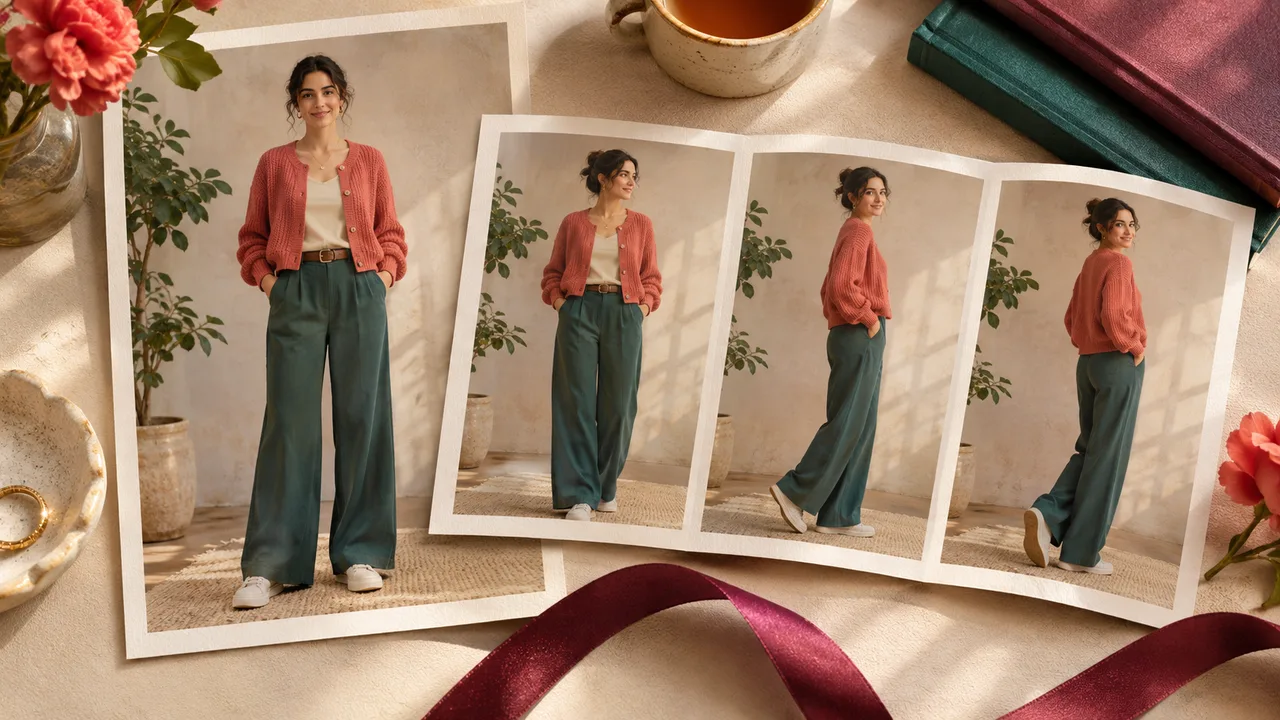
Use a photo of an outfit you already wear to plan a short personal video. Check framing, fabric details, and movement before saving or sharing it.
Video ideas
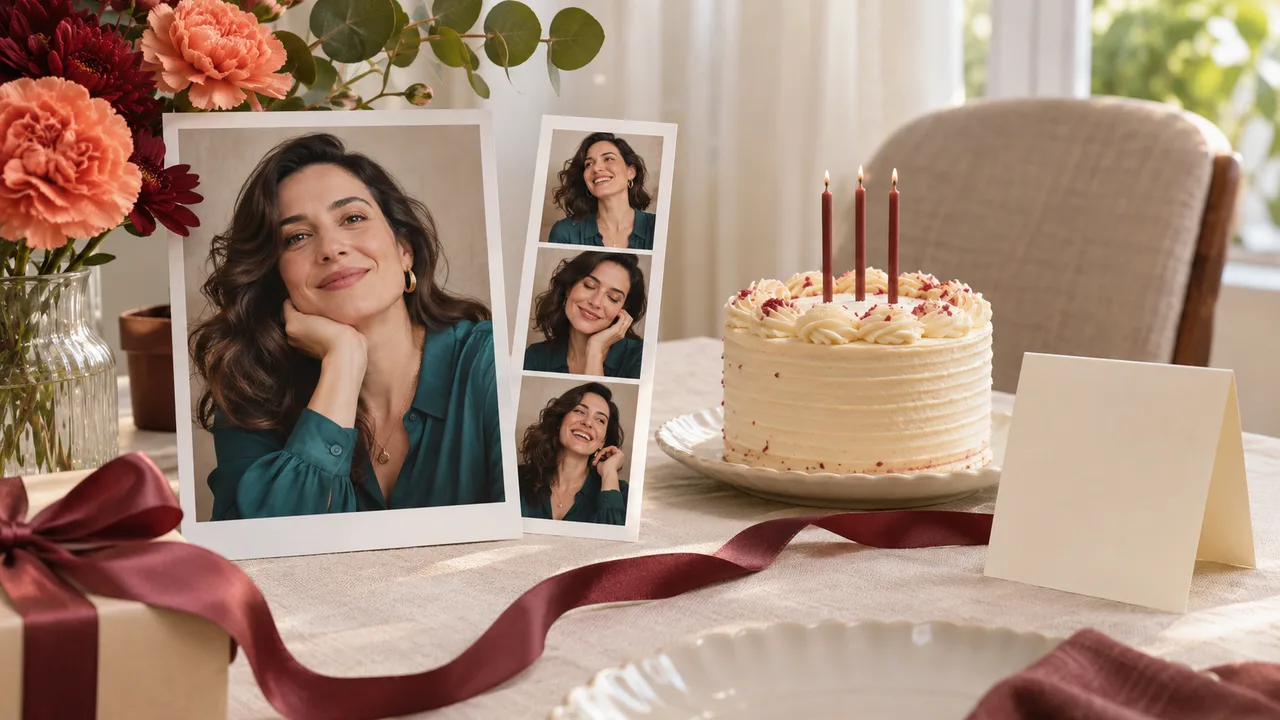
Turn an adult portrait into a short birthday greeting, then add a name and a message in an editor. Plan the photo, movement, and finished file before sending.
Video ideas
Make a short Christmas greeting from a festive photo. Choose clothing and a background already in the image, then add your message after downloading the clip.
Getting a better result
The same photo can produce different videos. Learn what may change between versions, compare complete clips, and keep the result you actually want.
Getting started
Make a personal video in your phone browser: choose a ready template, upload your photo, review the cost, follow progress, and save the finished clip.
Getting started
Turn a video you like into a clear plan for your own photo: choose the movement, find a suitable template, and understand what your version can keep.
Video ideas
Use one personal video clip to open your year recap. Plan the opening, choose a photo, and combine your finished clip with real moments from the year.
Saving and sharing
Find your finished RemakeWith video, download it on your phone, and check where the file went before you edit it, share it, or close the browser.
Your photo
Decide whether a selfie gives your video enough to work with. Match the photo to the movement, and see when a wider or full-body picture makes sense.
Saving and sharing
Prepare your personal AI clip for TikTok or Instagram Reels: save the file, preview the crop, add any text or sound, and check the AI disclosure.
Saving and sharing
Send a downloaded copy of your personal AI video to a friend, check the recipient, and keep private account pages and generation links out of the message.
Getting a better result
Decide whether another AI video is worth paying for. Pick one useful change, check the cost, and separate an unwanted finished clip from a failed job.
Video ideas
Try a few practical video ideas using your own photo, from a moving outfit portrait to a photo reveal. See which parts need a separate editor.
Getting a better result
Find where a hand looks wrong in your video, inspect the starting photo and decide what to change before paying to make another completed version.
Choosing a template
You do not need to look like the person in a video preview. Learn which parts come from your photo and what to check before making your own version.
Your photo
Choose a clear photo that suits your video template. Check the face, clothing, background and file before making a personal video from your picture.
Getting started
Understand where your photo goes when making a RemakeWith video, what stays out of the public gallery, and how to ask about access or deletion.
Choosing a template
See what comes from your photo and what comes from the video template, so you can choose the right outfit and setting before making your own clip.