Can I Use a Selfie, or Do I Need a Full-Body Photo?
Decide whether a selfie gives your video enough to work with. Match the photo to the movement, and see when a wider or full-body picture makes sense.
 RemakeWith Editorial4 min read
In this guide
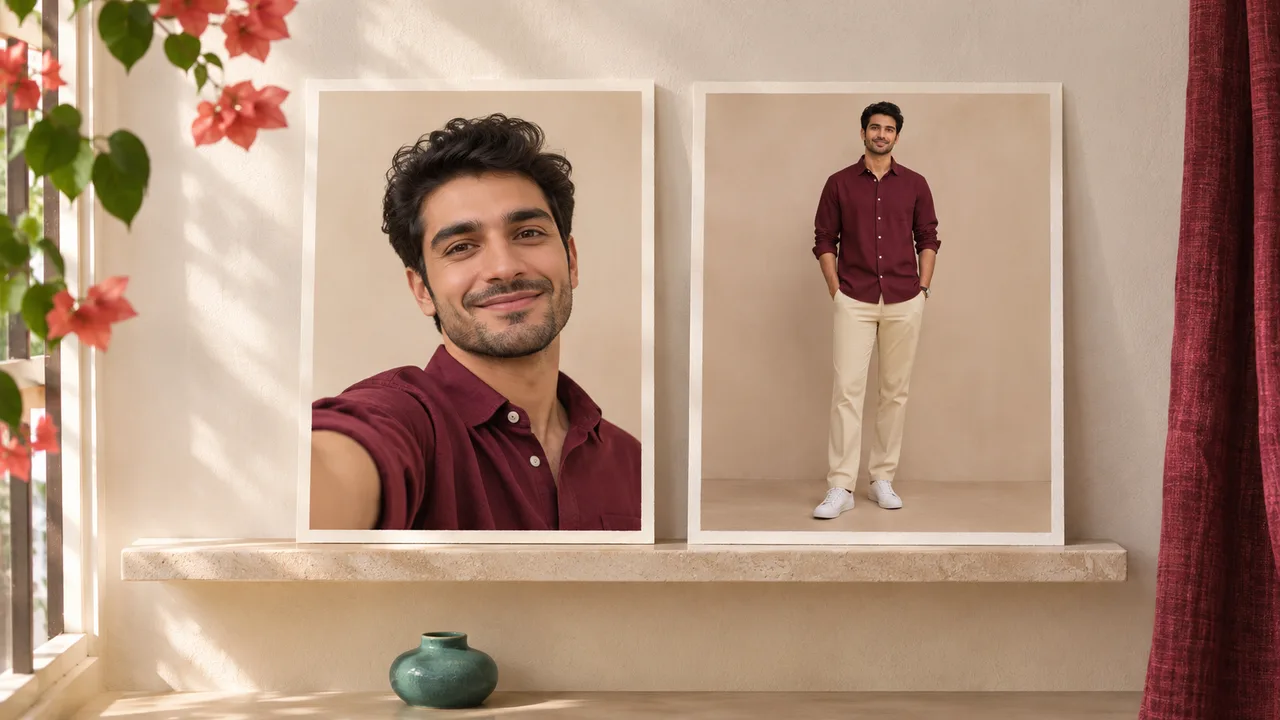
A selfie can be a starting point for a video that mainly shows your face and shoulders. For a movement that uses your arms, legs or whole body, choose a wider photo that actually shows those parts.
The useful question is how much of you the selected action needs. A close-up cannot supply the same visible body information as a full-body picture. For the full-body turning movement in Studio Turn, a clear full-body photo is the more suitable starting choice.
Let the preview settle the question
Play the reference before uploading anything. Watch from beginning to end and note the widest view of the person. Do the feet appear? Do the arms move away from the body? Does the person turn far enough to reveal a side view?
Match your photo to that range. You are checking whether the picture contains the visible material needed for the action, rather than trying to copy the preview person's face or clothes.
Here is a way to sort the photos on your phone:
| Your picture shows | Check it against |
|---|---|
| Face and shoulders | Movement concentrated around the face and upper body |
| Head to waist | Upper-body actions where the important movement stays in view |
| Head to feet | Full-body movement, including visible arms and legs |
This table describes photo coverage. It does not mean that all three kinds of video template are currently available in RemakeWith. Use the actual preview and requirements of the template you are considering.
Understand what a close selfie leaves out
A close selfie may show your face beautifully while leaving out your hands, most of your outfit and the position of your legs. A generated wider view then has to introduce details that the picture did not show.
That can be a poor fit if the reason you want the video is to see your own outfit or a particular full-body action. It also makes the result harder to compare with the starting picture, because you never supplied a full view of those details.
A wider photo gives you more to inspect in advance. It still does not guarantee accurate hands, clothing or identity throughout the finished clip. AI results can vary with either type of input.
If you take a new photo, leave useful room
Ask someone to take the picture, or place your phone securely and use its timer. Include your head and feet if the action needs them. Keep both hands visible when they matter to the movement, and leave a little space around the body rather than cutting tightly through fingers or shoes.
Wear the clothes you want in the clip. In this workflow, the uploaded photograph supplies the person's appearance and setting; the video reference supplies the movement. You do not need to dress as the person in the preview.
You also do not need to strike an awkward pose to suggest movement. A clear, readable starting position is more useful than hiding an arm or twisting until parts of the body disappear.
For light, file format and the rest of the upload checks, see which photo to use for your video.
If you only have selfies, avoid a rushed paid attempt
You can pause before generating. Look for an older wider photo that you have permission to use, take a new one, or choose a tool or template whose demonstrated movement fits the selfie you have.
Do not assume that a different crop option is available inside RemakeWith. The customer workflow lets you choose a published template and upload your photo. It does not provide a control for changing that template's framing or movement.
Likewise, enlarging a selfie does not make it a full-body photograph. Before spending credits, decide whether you would be comfortable with the parts of the result that the source picture cannot show.
Choose for this movement, not every future video
You are choosing an input for one specific clip. A full-body photo is helpful for full-body movement; it is not a universal rule that every AI video needs one.
If a finished movement looks awkward, review the match between the photo and the reference before trying another version. The movement guide covers that next decision.
Open Studio Turn and inspect the movement before choosing your photo.
Written by RemakeWith Editorial
Practical guides for making a video with your own photo, from choosing a template to saving a clip you want to share.
About the editorial teamKeep going
All guides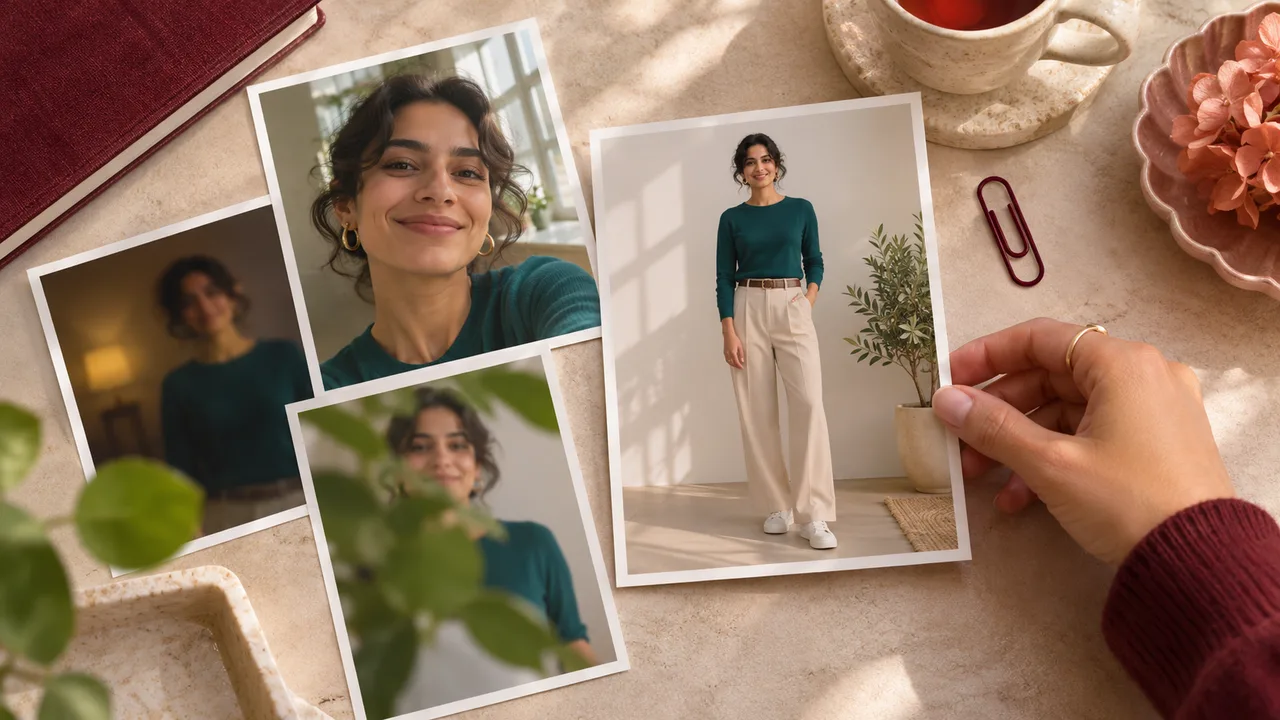
Your photo
Which Photo Should You Use for Your Video?
Choose a clear photo that suits your video template. Check the face, clothing, background and file before making a personal video from your picture.
Choosing a template
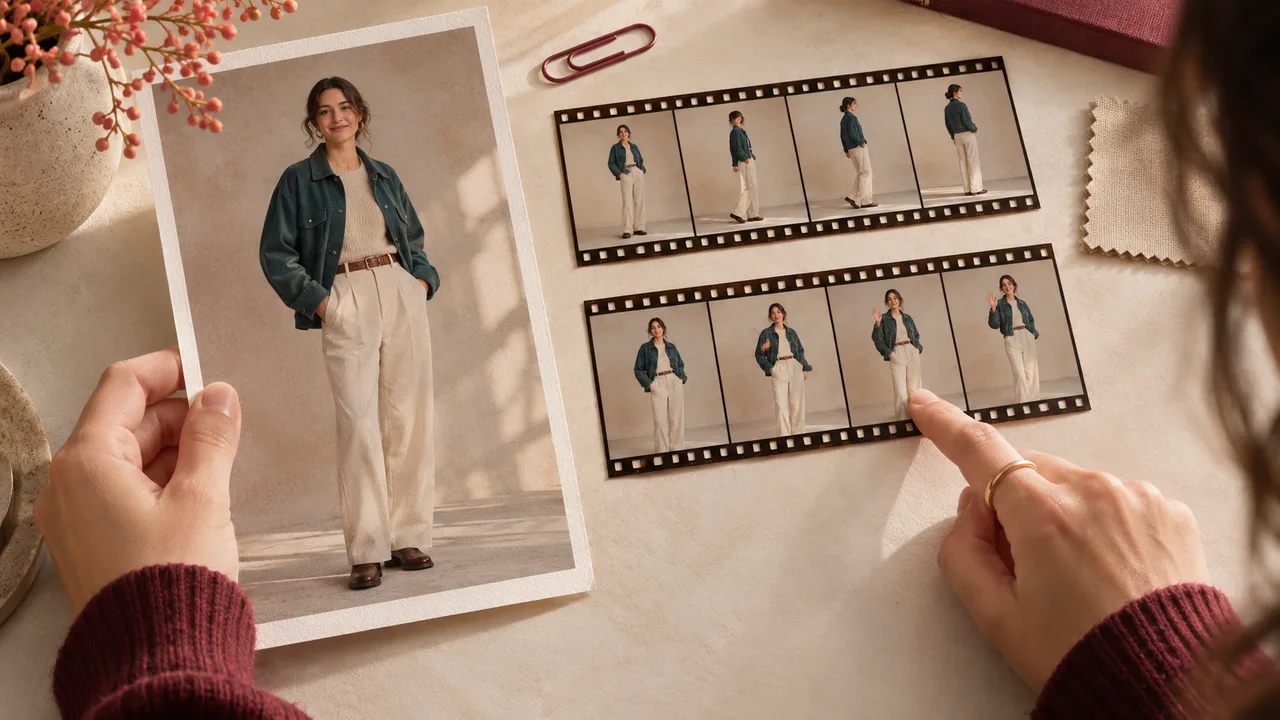
How to Find a Video Template That Fits Your Photo
Choose a video template by checking its movement, framing, and photo requirements. Learn what to compare before using your own picture in a short clip.
Getting a better result
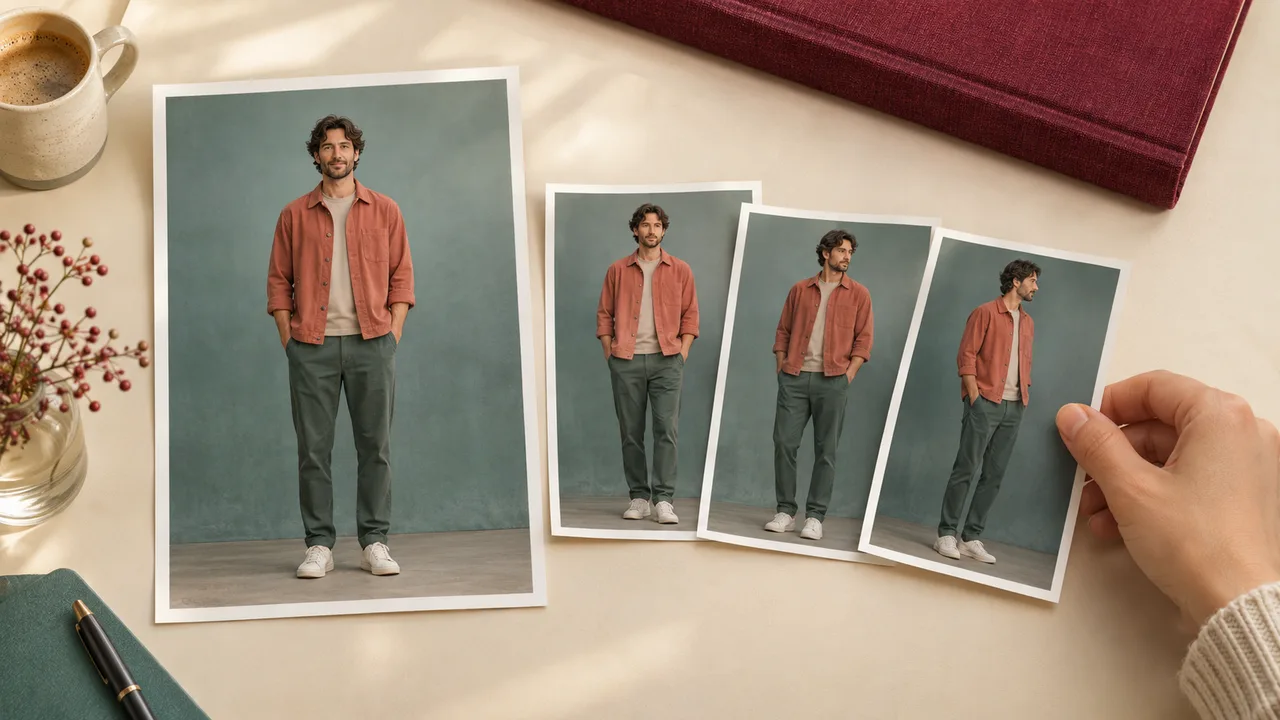
My Video Looks Awkward. Is This the Right Movement?
Work out why a photo video feels stiff or awkward by comparing the movement, starting pose, and visible body before you spend money on another version.