How to Find a Video Template That Fits Your Photo
Choose a video template by checking its movement, framing, and photo requirements. Learn what to compare before using your own picture in a short clip.
 RemakeWith Editorial5 min read
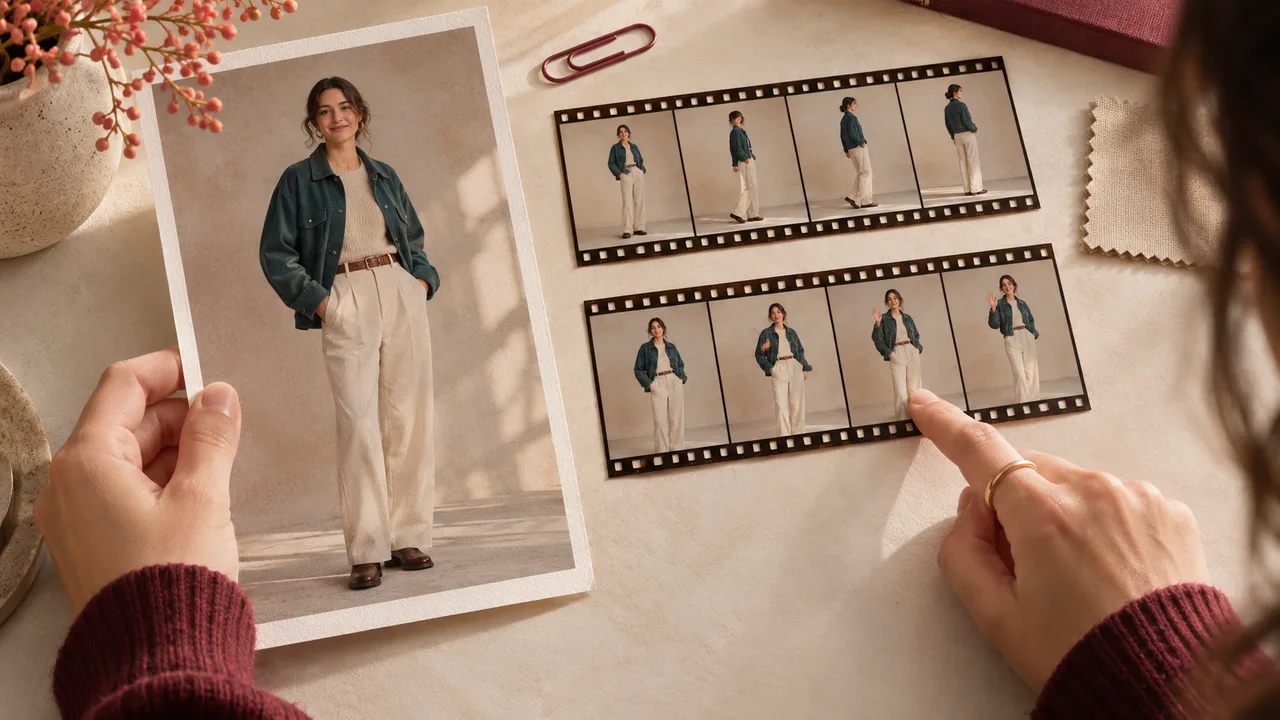
In this guide
A suitable video template needs two things: movement you actually want and a reasonable match for the photo you plan to upload. The person in the preview can look different from you. What matters first is what they do and how much of their body the clip needs to show.
That is why the best-looking cover is not always the best starting point. Watch the full preview, then hold your photo beside it. You are checking whether those two pieces can make a useful personal clip.
Watch the movement before judging the person
Look beyond the preview person's face and outfit. Follow the head, shoulders, hands, and feet through the clip. Does the person make a small turn, reach across the body, or move close to the camera?
Those details help you understand the task. A calm turn has different demands from a fast sequence with crossed arms. A movement that keeps the face visible may be easier to judge than one that spends much of the clip turned away.
Try pausing at the start, middle, and end. You do not need to analyze every frame. You just need to notice the biggest change in pose and decide whether that change is what you wanted to copy.
For a current RemakeWith example, open Studio Turn and watch the complete reference. Use the live template page to confirm what is available. A category name elsewhere in a gallery does not establish that a matching video can currently be generated.
Match the amount of person visible
Now look at your photo. If you want a movement involving the whole body, a head-and-shoulders selfie leaves the rest of the person unspecified. If the clip is about an upper-body turn, a photo with a clear face and visible shoulders may be more relevant than a distant group shot.
Use this quick comparison:
| In the preview | In your photo |
|---|---|
| The torso turns | The torso is visible rather than hidden behind a table |
| Hands move near the body | Hands and arms are reasonably clear |
| The legs or feet matter | The photo includes those parts of the person |
| The face changes angle | The face is clear enough to recognize before it moves |
| The person moves across the frame | There is useful space around the subject |
This is a way to reduce obvious mismatches, not a guarantee of the result. AI can still change a face, a hand, or a clothing detail. The selfie or full-body guide covers that particular choice in more detail.
Separate movement from clothing and setting
It is easy to choose a preview because you like the jacket, the lighting, or the room. For RemakeWith's current movement template, your uploaded photo supplies the person's appearance, clothing, and background. The preview guides the movement.
If you want to keep your own outfit, choose a photo where that outfit is already visible. If you mainly want the preview's room or costume, pause before generating. That is a different goal from following its action.
Imagine a preview with someone turning in a studio and your photo showing you beside a garden wall. A personal version can be about your outfit moving against your garden background. It should not be planned as an exact copy of the studio scene.
Check the live requirements before paying
Read the template's photo slots, supported file type, and cost. For the current single-person workflow, use a clear JPG or PNG up to 10 MB, showing an adult whose permission you have. You also need an account and enough credits for the displayed generation price.
Check that the template is available to create now. A still image, a source link, or an attractive idea card is not the same as an available generation workflow.
Your final check can be brief:
- I want this movement.
- My photo shows the parts of the body it needs.
- I want to use the clothing and setting in my photo.
- I understand the cost and that results can vary.
If one answer is uncertain, fix that choice first. A different photo can be a better next step than another paid attempt.
Choose one job for your first clip
You do not need a long shortlist to start. Choose one useful purpose, such as showing an outfit or making a short personal intro. Then choose the movement and photo that support it.
The guide to choosing an upload photo will help you prepare the file. If your concern is that the preview person looks different from you, read using a template with a different appearance.
Open the current templates and judge the full preview against your photo before you decide to generate.
Written by RemakeWith Editorial
Practical guides for making a video with your own photo, from choosing a template to saving a clip you want to share.
About the editorial teamKeep going
All guides
Getting started
Saw a Video You Like? How to Make Your Own Version
Turn a video you like into a clear plan for your own photo: choose the movement, find a suitable template, and understand what your version can keep.
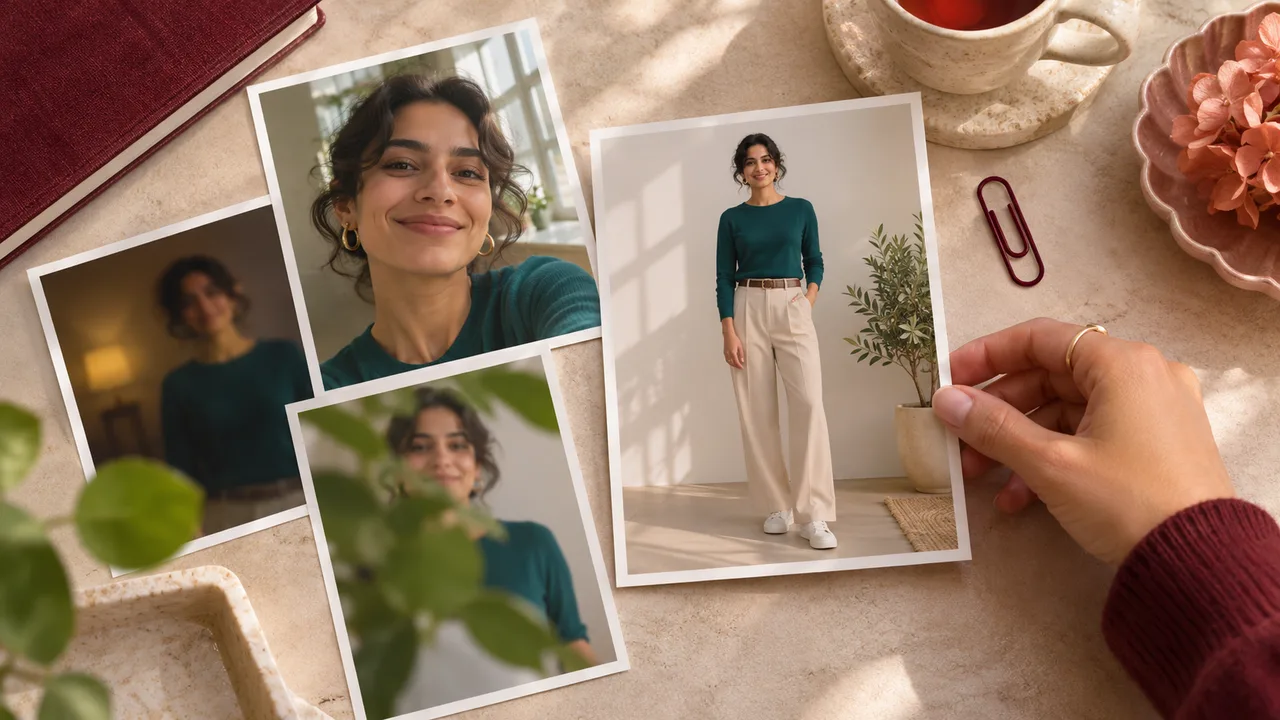
Your photo
Which Photo Should You Use for Your Video?
Choose a clear photo that suits your video template. Check the face, clothing, background and file before making a personal video from your picture.
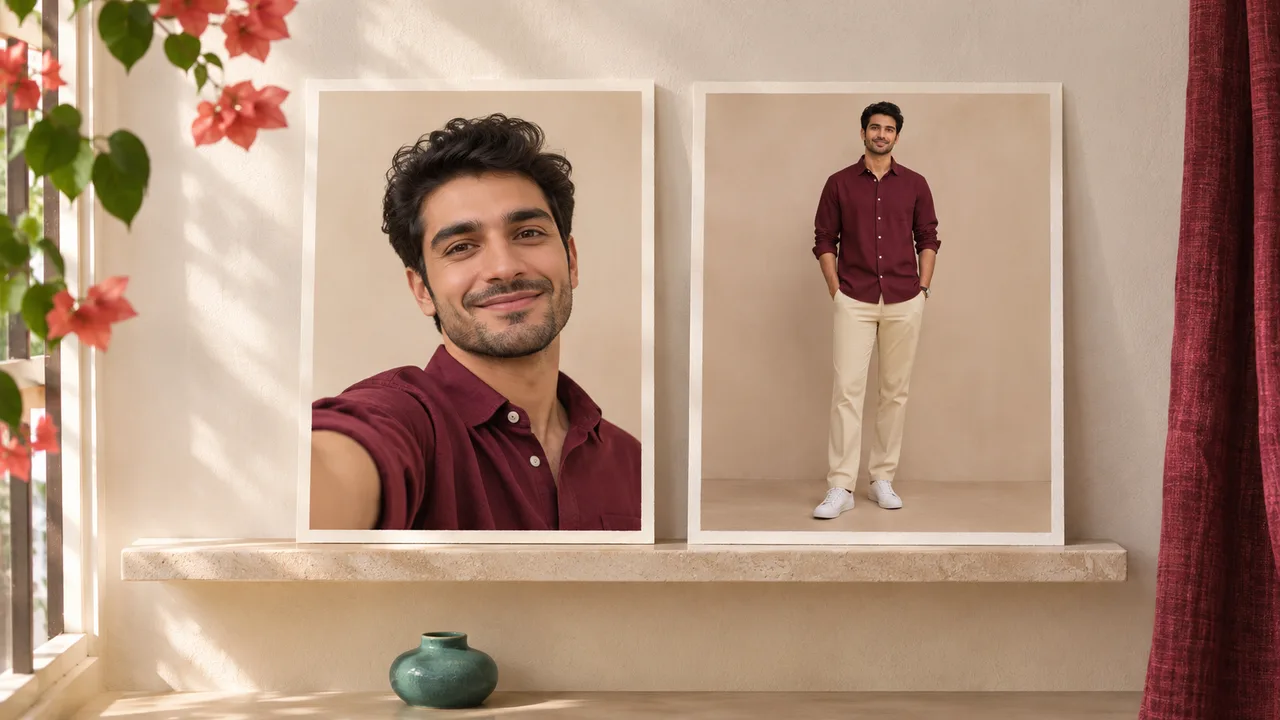
Your photo
Can I Use a Selfie, or Do I Need a Full-Body Photo?
Decide whether a selfie gives your video enough to work with. Match the photo to the movement, and see when a wider or full-body picture makes sense.