How to Share Your Video with Just a Friend
Send a downloaded copy of your personal AI video to a friend, check the recipient, and keep private account pages and generation links out of the message.
 RemakeWith Editorial4 min read
In this guide
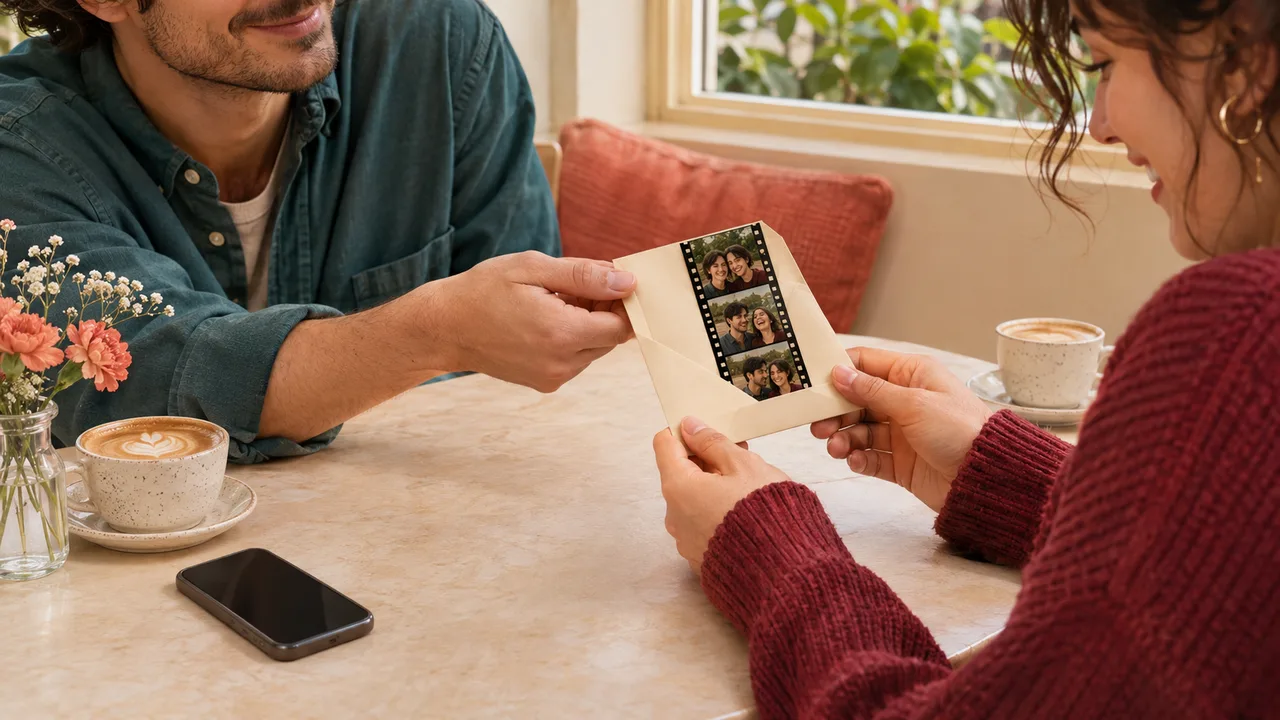
Download your finished video, then send the saved file through a conversation you already use with your friend. You do not need to publish it on a social feed, share your RemakeWith account, or send the private page where you view your results.
Private sharing begins with choosing the right file and recipient. A direct message gives you a smaller intended audience, but the recipient still receives a copy they may be able to save or forward. Choose a clip you and anyone pictured are comfortable sharing with that person.
Save the exact version you want to send
Open My remakes in your own account. Play the completed video before downloading it, especially if you have made several versions from the same photo.
Find the downloaded file on your phone and open it. Check the ending as well as the beginning. A thumbnail can make two different attempts look almost identical, and it is easy to send the wrong one if you only glance at the first frame.
The phone download guide explains where to start looking on iPhone and Android. Once the video plays from its saved location, you can choose how to send that copy.
Use your normal one-to-one conversation
Open the existing conversation with your friend, or select the saved file's share option and choose the intended app and person. Check the person's name before sending. A group with a familiar name can be easy to confuse with a one-to-one chat.
On iPhone, Apple's guide to sending files from Files explains using a file's Share option and choosing a sending method. For Chrome on Android, Google's download instructions describe finding downloaded files and sharing them.
Follow the attachment options offered by your chosen messaging app. You may see different ways to send a video or a file. Preview the selected item before sending, and check the app's own help if it cannot accept that file. There is no single file-size limit that applies to every messaging service.
You can add one plain sentence of context, such as “I made this from a photo using an AI video template.” That tells your friend what they are watching without making it sound like a recording of something that actually happened.
Send the file, not your private workspace
Your RemakeWith library is tied to your account. The private result route checks the signed-in account, verified email, and ownership. A friend should not need your password or access to your library to watch a video you chose to share.
Send the downloaded copy rather than a private account page or a provider delivery link. Keep sign-in details and private input links out of the conversation. You can send a public template page separately if your friend wants to understand how you made the clip.
The service does not automatically add your uploads or results to the public template gallery. That does not mean the generation happens only on your device or that files are never stored. Read who can see your photo for that separate question.
Ask before sharing someone else's likeness
If the video shows your friend, their permission to make it matters too. RemakeWith requires you to be 18 or older and have permission to use every uploaded photo and likeness. Start with the guide to using a friend's photo if that is your project.
Keep the conversation specific: who is pictured, who will receive the clip, and whether it may be shared further. Someone agreeing to a personal joke in a private chat is not the same as agreeing to a public post.
If you later decide to post publicly, check again and prepare it for that wider audience. The TikTok and Reels guide covers the separate posting and AI disclosure steps.
Keep your own copy after sending
Retain the original downloaded file if you want to use it again. You can also save the edited version separately if you added a name, caption, or music before sending it.
Before you finish, make one last check: the right friend, the right video, and no private account links in the message. That is enough to share a small personal clip without turning it into a public project.
Written by RemakeWith Editorial
Practical guides for making a video with your own photo, from choosing a template to saving a clip you want to share.
About the editorial teamKeep going
All guides
Choosing a template
Can I Make a Video Using My Friend’s Photo?
Before using a friend's photo for an AI video, agree on the clip, choose an authorized adult portrait, and let your friend decide how it gets shared.
Getting started
Who Can See the Photo I Upload for My Video?
Understand where your photo goes when making a RemakeWith video, what stays out of the public gallery, and how to ask about access or deletion.
Saving and sharing
How to Save Your Finished Video to Your Phone
Find your finished RemakeWith video, download it on your phone, and check where the file went before you edit it, share it, or close the browser.