Can I Make a Video Using My Friend’s Photo?
Before using a friend's photo for an AI video, agree on the clip, choose an authorized adult portrait, and let your friend decide how it gets shared.
 RemakeWith Editorial4 min read
In this guide
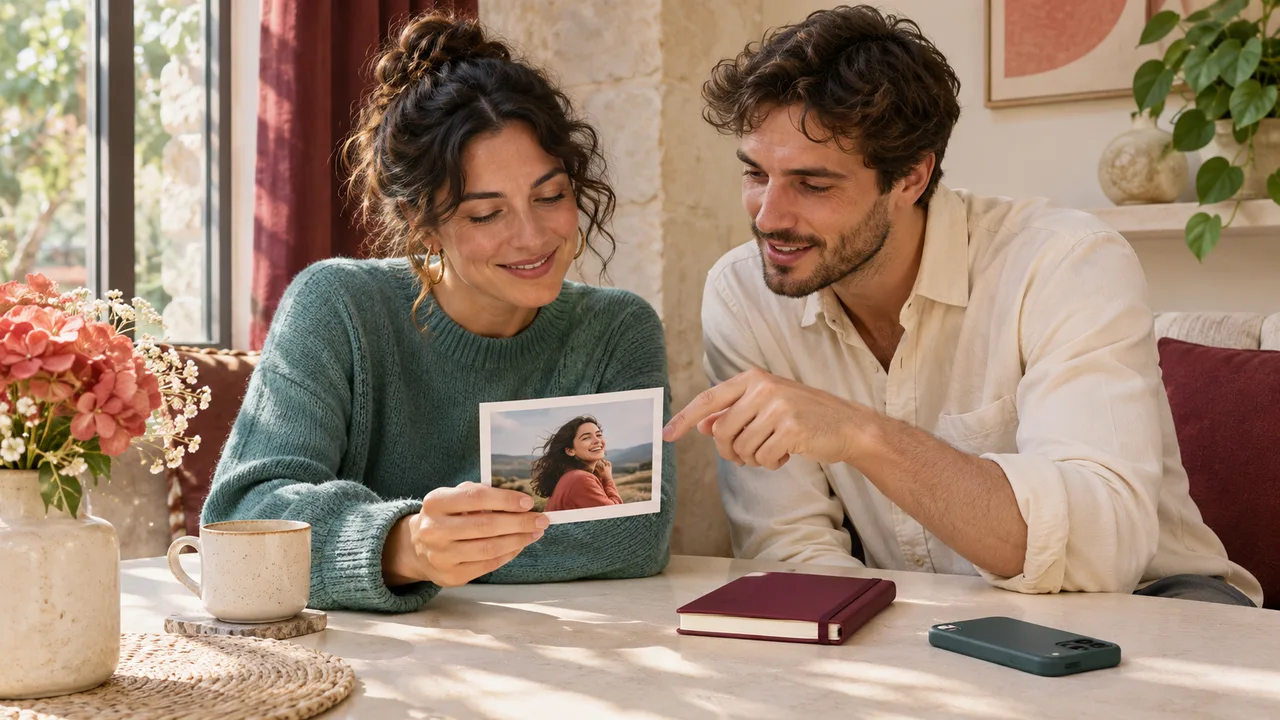
You can use an adult friend's photo in RemakeWith when you have permission to use both the photo and their likeness for that video. Ask before uploading it, explain the kind of clip you want to make, and agree on who may see the result.
A photograph appearing on your friend's social profile does not answer those questions. A small surprise can still be thoughtful without making the upload itself a surprise. Let the fun be the finished clip, after your friend has agreed to the idea.
Ask about this specific video
“Can I use your photo?” is a start, but your friend needs enough context to understand what you mean. Show them the template preview or describe the action, explain that an outside service will process the picture, and say whether you intend to send the result privately or post it.
For example, you could write:
I'd like to use one of your photos to make a short AI turning clip for your birthday. The photo will be uploaded to the video service. Are you happy with that? I'll send you the result first and won't post it without asking.
That is an example of a clear conversation, not a record of anyone's actual permission. Adjust it to the project you have planned. If your friend is unsure, leave the photo out. There is no need to push ahead to finish a surprise.
RemakeWith's terms require the rights and permission needed for submitted material. The service is intended for adults. Do not use a child's photo or assume that agreement to one project covers every later video.
Choose a photo your friend is happy to submit
Ask them to choose the picture with you. They may prefer a different outfit, dislike a particular angle, or notice something private in the background that you missed.
Use a clear photo of one adult for the selected slot. A group photo can introduce other recognizable people and makes it less clear which person the clip is meant to show. Also check who owns the photograph. Permission from the person pictured does not automatically establish permission to reuse someone else's photographic work.
A useful upload check is:
- Your friend knows which photo you plan to use.
- You have permission for the photograph and the person's likeness.
- Their face and the body area needed for the movement are visible.
- There are no unwanted people or private details in the frame.
- The outfit and setting already suit the planned video.
The photo selection guide explains the practical image checks in more detail.
Explain what the video may change
Your friend should not expect an exact moving copy of the photograph. In Studio Turn, the template guides the movement and the uploaded photo supplies the person's appearance, clothes, and background. AI can still change likeness or other details as the person moves.
Set the expectation before generating: you are making an AI interpretation of an agreed idea, and you will check it together. Avoid a joke that depends on making the person look embarrassing or suggesting they did something they did not do.
For a birthday project, a simple personal clip with a message added afterward can be enough. The birthday greeting guide keeps that project separate from speaking avatars or invented performances.
Let the person see it before anyone else
Watch the full result yourself, then send it to your friend for approval. They are better placed to judge whether the likeness feels comfortable and whether the clip represents them in a way they accept.
Treat making the video and sharing it as separate decisions. Someone may be happy to receive a private clip but not want it on a public account. Agree on the audience before you post, tag, or forward it. If you share the file, explain that it is AI-generated rather than a recording of something they performed.
The private sharing guide covers the practical next step once both of you are happy with the result.
Keep the upload and removal details available
Uploads and results are not automatically added to RemakeWith's public gallery. They are associated with the account used for the project, and generation inputs are sent to the external generation provider. Read who can see an uploaded photo together if privacy is a concern.
If your friend later asks about access or deletion, use the instructions in the privacy policy and provide the relevant account and generation information to support. Do not promise that deleting a local download or closing an account instantly removes every provider record.
Start with the conversation. A clip your friend helped choose is far more likely to be a welcome gift.
Written by RemakeWith Editorial
Practical guides for making a video with your own photo, from choosing a template to saving a clip you want to share.
About the editorial teamKeep going
All guides
Getting started
Who Can See the Photo I Upload for My Video?
Understand where your photo goes when making a RemakeWith video, what stays out of the public gallery, and how to ask about access or deletion.
Your photo
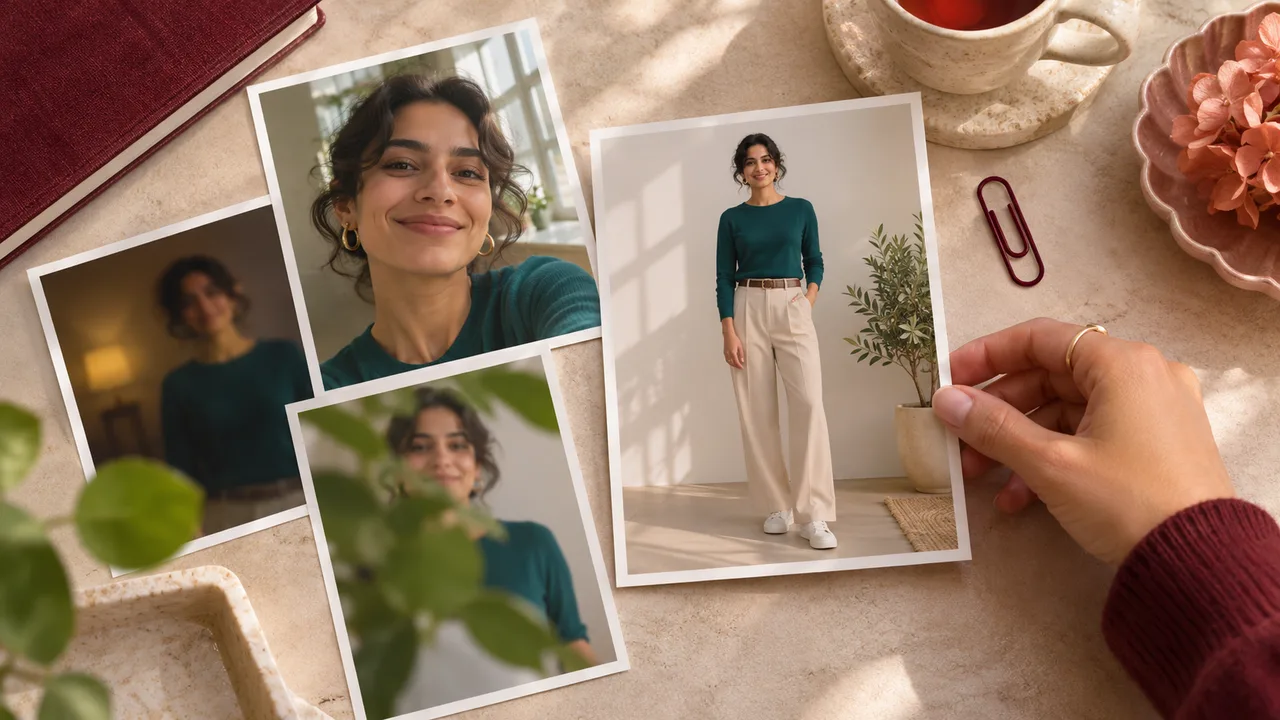
Which Photo Should You Use for Your Video?
Choose a clear photo that suits your video template. Check the face, clothing, background and file before making a personal video from your picture.
Saving and sharing
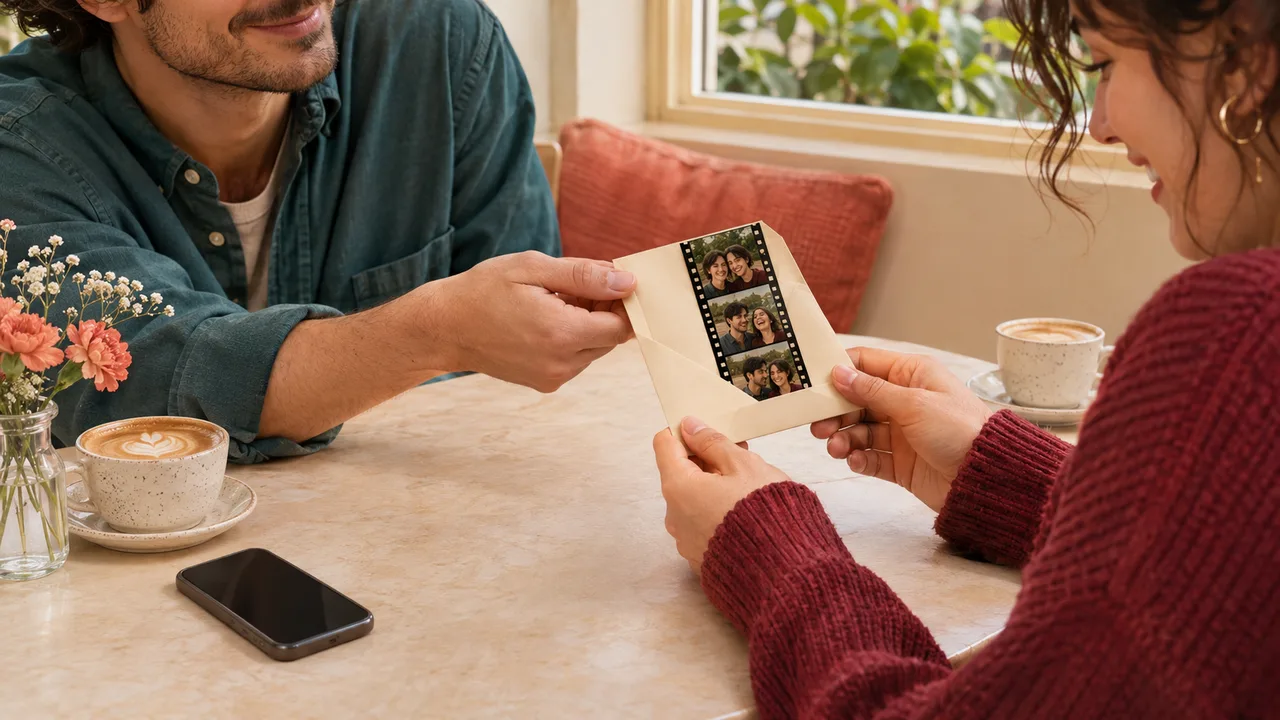
How to Share Your Video with Just a Friend
Send a downloaded copy of your personal AI video to a friend, check the recipient, and keep private account pages and generation links out of the message.