Make a Birthday Greeting Clip with Your Photo
Turn an adult portrait into a short birthday greeting, then add a name and a message in an editor. Plan the photo, movement, and finished file before sending.
 RemakeWith Editorial5 min read
In this guide
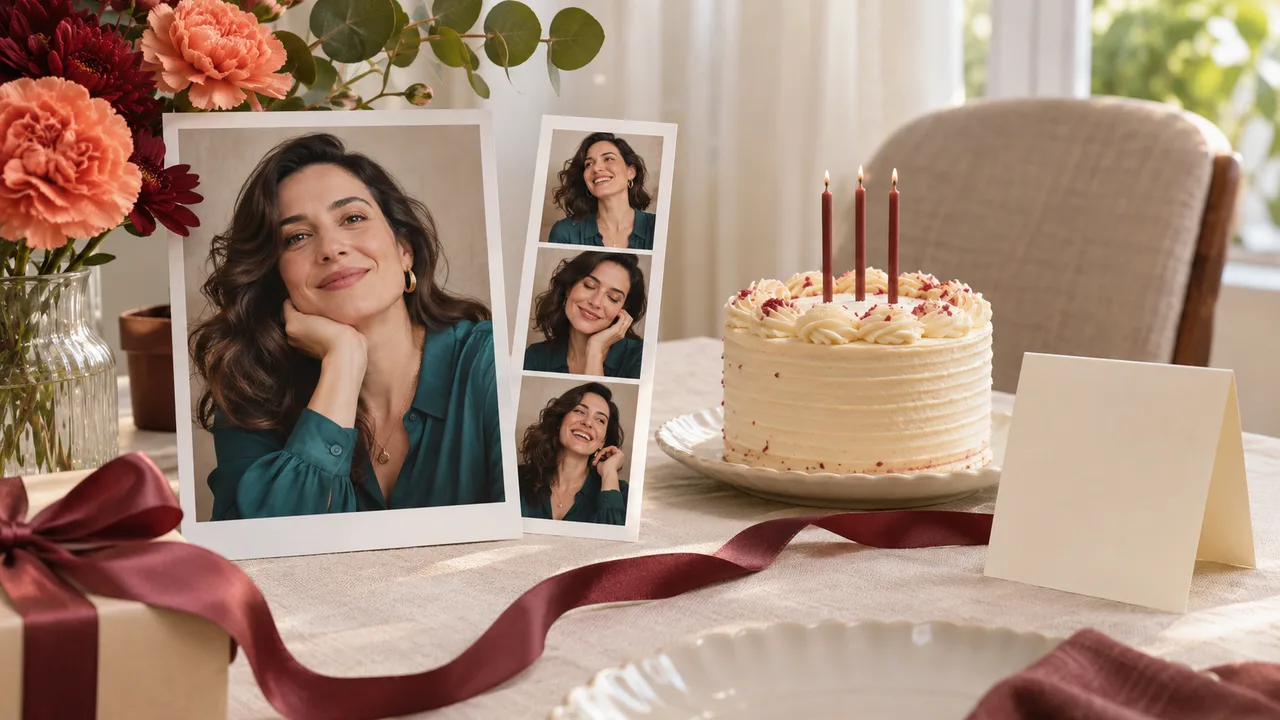
A birthday video can start with one adult portrait and a short movement. Generate the personal clip first, then add the birthday person's name and your message in an editor. You can make yourself appear in the greeting without recording a new video.
The current Studio Turn template makes a short turning clip. It does not make the person speak or sing “Happy Birthday,” and it is not a ready-made birthday card. Think of the generated video as one piece of your greeting. You decide what that piece says through the words and audio you add afterward.
Choose who should appear in the greeting
The person on screen can be you, even when the birthday belongs to someone else. A clip of you in a party outfit, followed by a personal message, is often easier to plan than trying to make the recipient perform an unexpected action.
If you want to use a friend's photograph, ask them first. Explain that the photo will be uploaded to an AI service and used to create a moving version of their likeness. Use a photo of an adult, and make sure you have permission to use the photo as well as the person's appearance. The friend-photo guide covers that conversation.
Keep the greeting's audience in mind. A private birthday message can include a name or an inside joke that you would leave out of a public post. Decide that before you add personal details to the finished video.
Put the birthday look into the original photo
Use a photograph that already contains the clothes and surroundings you want. A jacket you wore to dinner, a party dress, or a simple birthday backdrop gives the video a clear starting point.
Do not depend on a plain selfie turning into a party scene. In Studio Turn, the photo supplies the person, outfit, and background. The video reference guides the movement. Details can change during generation, so a particular decoration or printed shirt is something to check rather than a promise of an exact copy.
Choose a clear JPG or PNG no larger than 10 MB, with one adult visible. Leave enough of the body in the picture for the selected movement. Keep props away from the face and hands if they make the person harder to see. If you are choosing between two photographs, use the photo selection checklist.
Make the short clip fit the message
Open the Studio Turn preview and watch the movement before you start. Ask whether that simple turn suits your greeting. A quiet personal introduction and a cheerful birthday message can use the same short movement with different words afterward.
For example, you could use your clip at the start, add “Happy Birthday, Sam,” and finish with a still card containing one sentence. This is a suggested arrangement in an external editor, not an automatic birthday-video feature.
If you need a person to deliver a spoken birthday wish, this template does not supply that result. You can keep your own recorded message separate and add it to an edit, or choose a different way to send the greeting.
Check the person before adding the celebration
When the video finishes, watch it all the way through. Pause around the turn, where the face and clothing may become harder to judge. Make sure the result feels suitable for the person you are showing.
A few useful checks are:
- The face is recognizable enough for the intended greeting.
- The hands do not draw attention away from the message.
- Clothing stays appropriate throughout the movement.
- Any meaningful detail in the background remains acceptable.
Download the version you want to use before making another attempt. A completed result you dislike does not automatically qualify as a technical failure; generating another version uses credits again. Set a limit for yourself rather than repeatedly generating a birthday greeting until the deadline becomes stressful.
Add the name, words, and sound after download
Use an external video editor to combine your clip with the greeting. Keep the message brief enough to read while the picture is playing. If it is longer, give it a separate card at the end.
| Part | Example purpose |
|---|---|
| Personal clip | Shows who is sending the greeting. |
| Short title | Names the birthday person. |
| Closing card | Carries the personal wish or sign-off. |
Add sound you have permission to use. If someone recorded a message for this video, confirm that they are comfortable with how you plan to share it. The text and music guide explains the editing order without treating those steps as part of RemakeWith's generator.
Before sending, check the spelling of the name and play the exported file on your phone. If your friend appears in it, let them approve the finished version. Then send the video directly or prepare a public post with the context its viewers need.
Written by RemakeWith Editorial
Practical guides for making a video with your own photo, from choosing a template to saving a clip you want to share.
About the editorial teamKeep going
All guides
Choosing a template
Can I Make a Video Using My Friend’s Photo?
Before using a friend's photo for an AI video, agree on the clip, choose an authorized adult portrait, and let your friend decide how it gets shared.
Getting started
Make Your First AI Video on Your Phone
Make a personal video in your phone browser: choose a ready template, upload your photo, review the cost, follow progress, and save the finished clip.
Saving and sharing
How to Share Your Video with Just a Friend
Send a downloaded copy of your personal AI video to a friend, check the recipient, and keep private account pages and generation links out of the message.