Why Does the Same Photo Make a Different Video Each Time?
The same photo can produce different videos. Learn what may change between versions, compare complete clips, and keep the result you actually want.
 RemakeWith Editorial4 min read
In this guide
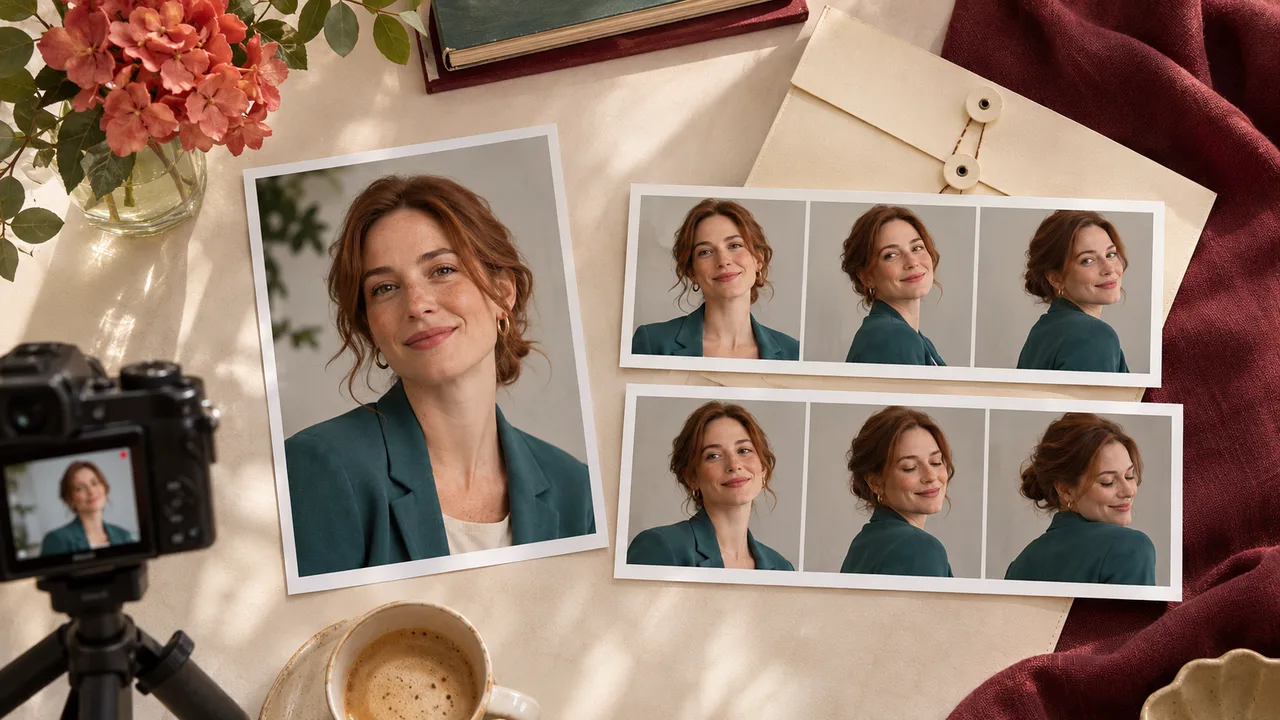
Each new attempt generates a new video. It does not replay the previous result with the same photograph pasted into it. The same photo and template can therefore produce differences in the face, clothing details, background, or the way the movement unfolds.
That can be surprising when you liked part of an earlier version. Before starting another attempt, download the one you may want to keep. There is no guarantee that the next result will repeat the expression or detail you preferred.
The inputs guide a new result each time
In Studio Turn, the template reference guides the movement. Your uploaded photo provides the person, clothes, and background. The service creates a moving interpretation from those inputs, and details can vary.
A photograph contains one view at one moment. When that person turns, the video needs to show views and details that were not all visible in the starting image. The result may look plausible in different ways on separate attempts. A different expression or a small change in a sleeve is not necessarily evidence that you selected the wrong file.
The current RemakeWith form does not offer a setting that guarantees an identical repeat. If your goal is to use the exact clip again, keep and reuse the downloaded file rather than trying to generate it a second time.
Compare complete clips, not your favorite paused frame
It is tempting to judge two results by their opening pictures. But you are choosing a video. One version may have a better first frame and a distracting change later; another may be more consistent through the whole turn.
Watch each clip at its normal speed first. Then check the same part of the movement in both versions. A frame from the start of one clip and the middle of another is not a useful comparison.
Here is an example comparison you could make. It describes what to examine, not a product test:
| Question | Version A | Version B |
|---|---|---|
| Do I recognize the face throughout? | Check the turn, not just the opening. | Check the same part of the turn. |
| Does the clothing remain usable? | Note changes that distract you. | Check whether those changes are better or worse. |
| Does the full movement suit my idea? | Watch without pausing. | Watch without pausing. |
Choose the complete clip that works for your purpose. You do not have to declare one version objectively better in every detail.
Separate a different detail from a reason to stop
A small expression change may be acceptable for a casual greeting. A face that stops looking like you or a hand that becomes distracting may make the clip unsuitable. The difference is what happens while someone watches, not whether every detail matches the source photo exactly.
If the face is the issue, use the resemblance guide. If the outfit changes during the shot, use the clothing-change guide. Those articles address the specific problem so you can avoid changing several unrelated things at once.
Some attempts will not meet your expectations even with a sensible photo. Repeating the same request does not promise a steady improvement. If you cannot name what you want to improve, pause before spending on another attempt.
Keep the version you would be sorry to lose
Download a result as soon as you think it might be useful. Use filenames you can recognize, such as a date, a short description, and a version number. Keep the source photograph nearby if you want to remember which picture you used.
When adding text or music later, export the edit as a separate file. That lets you reuse the original motion clip for another message without trying to recreate the original generation. The saving guide explains where a browser download may appear on your phone.
If you are deciding whether another attempt is worth paying for, read Should You Make Another Version of Your Video?. A completed result you dislike is not automatically a technical failure, and a new generation uses credits again. Keep your good version first, then make the next decision with a clear goal.
Written by RemakeWith Editorial
Practical guides for making a video with your own photo, from choosing a template to saving a clip you want to share.
About the editorial teamKeep going
All guides
Choosing a template
Will My Video Keep My Clothes and Background?
See what comes from your photo and what comes from the video template, so you can choose the right outfit and setting before making your own clip.
Your photo
Which Photo Should You Use for Your Video?
Choose a clear photo that suits your video template. Check the face, clothing, background and file before making a personal video from your picture.
Getting a better result
Should You Make Another Version of Your Video?
Decide whether another AI video is worth paying for. Pick one useful change, check the cost, and separate an unwanted finished clip from a failed job.