Getting started
Can I Close the Page While My Video Is Being Made?
Your RemakeWith job continues after you leave the page. See how to find it again, check its status and avoid starting another paid version by mistake.
RemakeWith blog
See a clip you like? Start with your photo. These guides help you choose a template, make your first version, and keep the one you want to share.
5 guides
Getting started
Your RemakeWith job continues after you leave the page. See how to find it again, check its status and avoid starting another paid version by mistake.
Getting started
Work out the budget for one RemakeWith video attempt, compare one-time credit packs, and understand what happens if you need another version.
Getting started
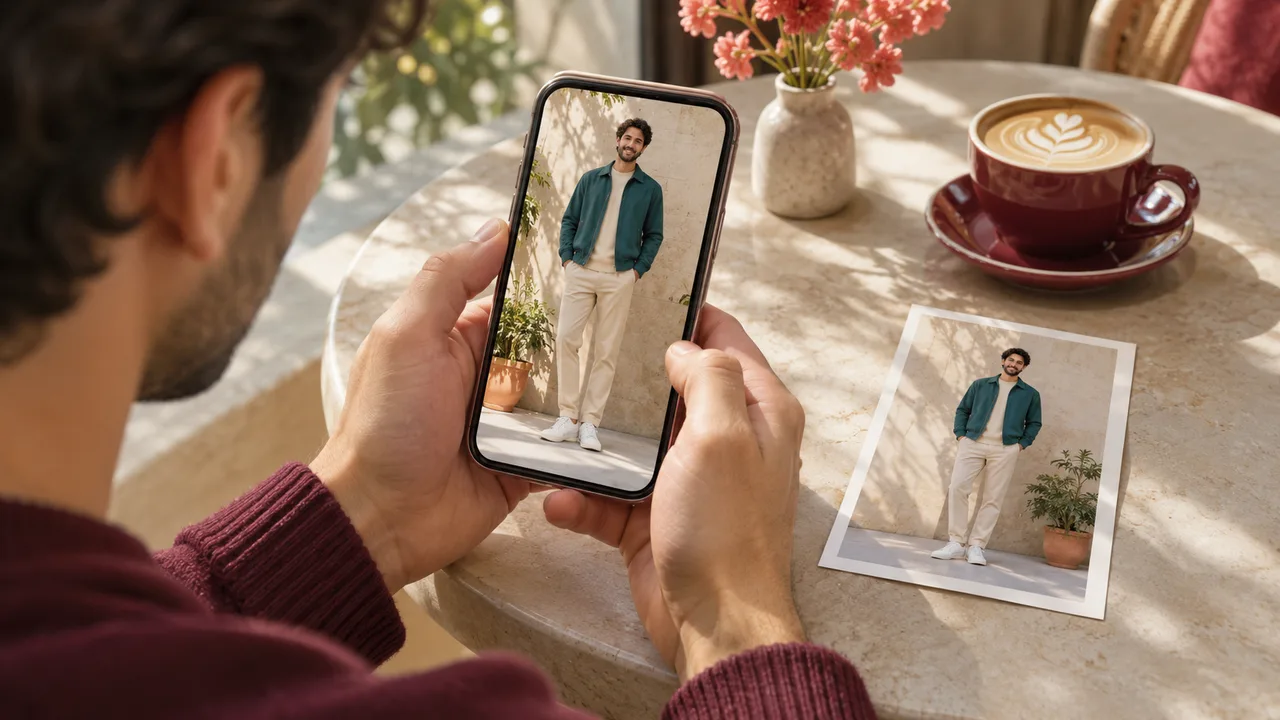
Make a personal video in your phone browser: choose a ready template, upload your photo, review the cost, follow progress, and save the finished clip.
Getting started
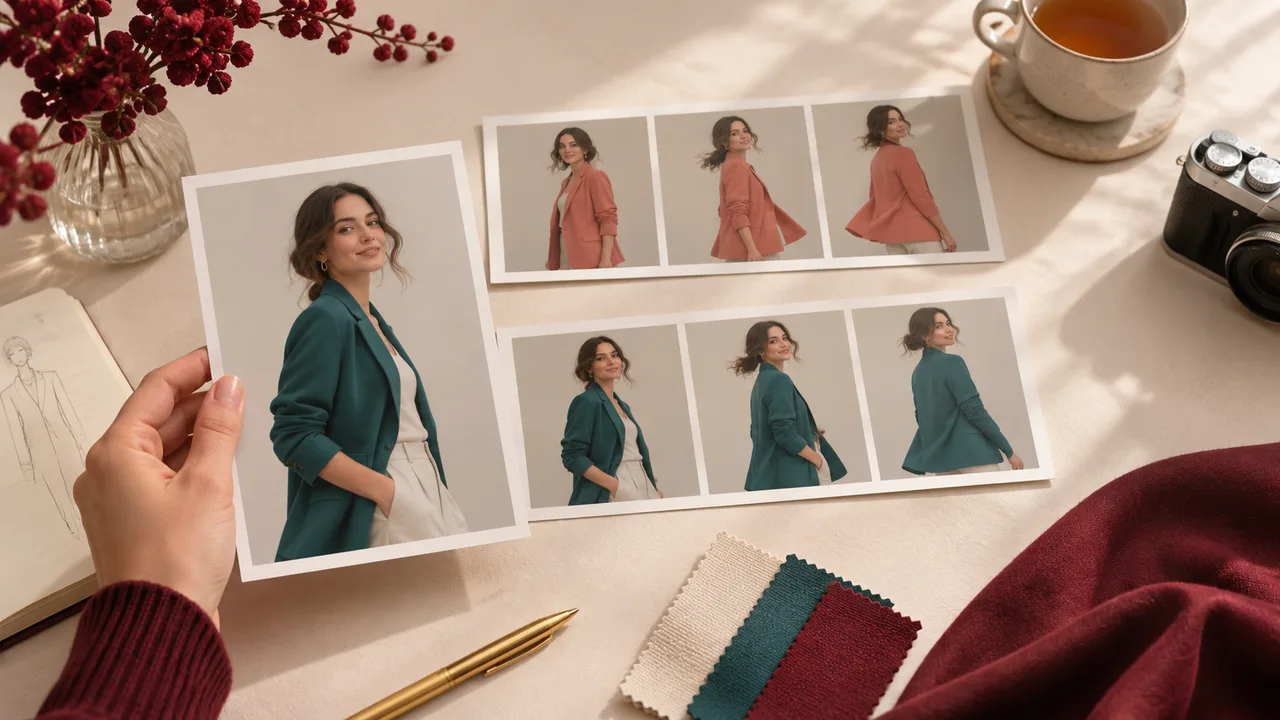
Turn a video you like into a clear plan for your own photo: choose the movement, find a suitable template, and understand what your version can keep.
Getting started
Understand where your photo goes when making a RemakeWith video, what stays out of the public gallery, and how to ask about access or deletion.

Published by RemakeWith Editorial. Cover artwork is an AI-generated editorial illustration, not a customer result.