Getting started
Make Your First AI Video on Your Phone
Make a personal video in your phone browser: choose a ready template, upload your photo, review the cost, follow progress, and save the finished clip.
RemakeWith blog
See a clip you like? Start with your photo. These guides help you choose a template, make your first version, and keep the one you want to share.
30 guides
Getting started
Make a personal video in your phone browser: choose a ready template, upload your photo, review the cost, follow progress, and save the finished clip.
Video ideas
Use one personal video clip to open your year recap. Plan the opening, choose a photo, and combine your finished clip with real moments from the year.
Saving and sharing
Find your finished RemakeWith video, download it on your phone, and check where the file went before you edit it, share it, or close the browser.
Your photo
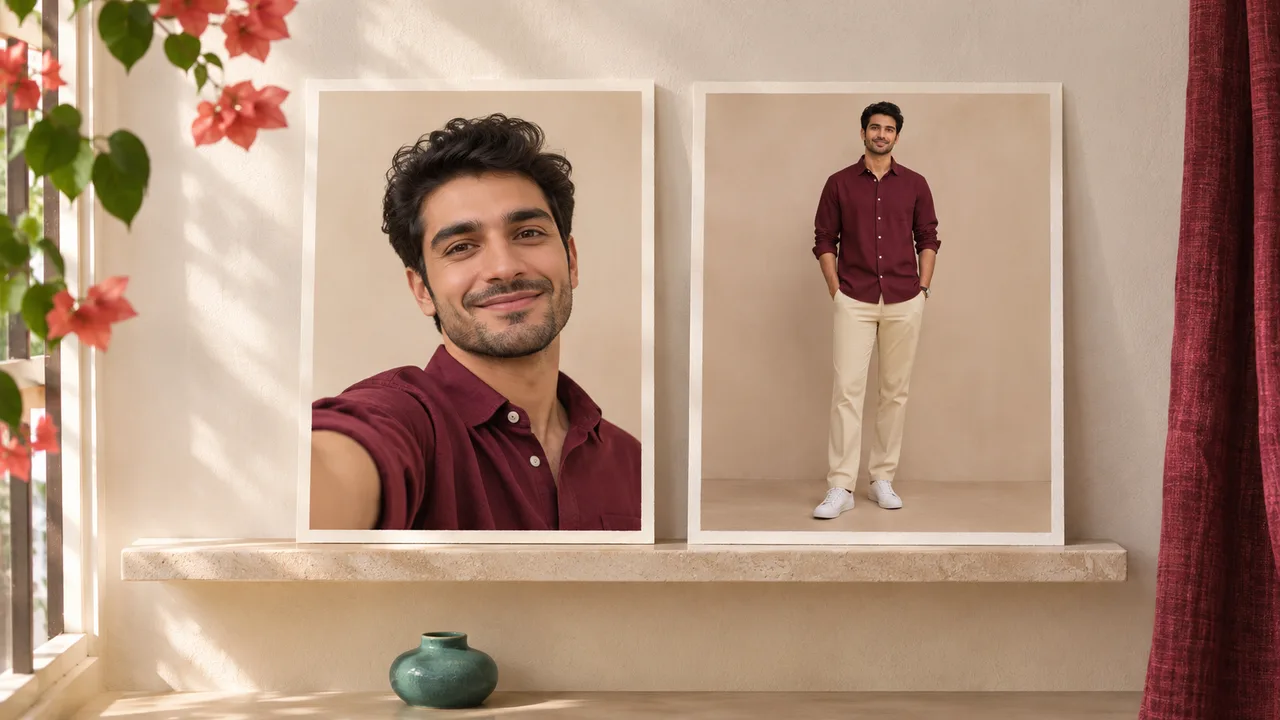
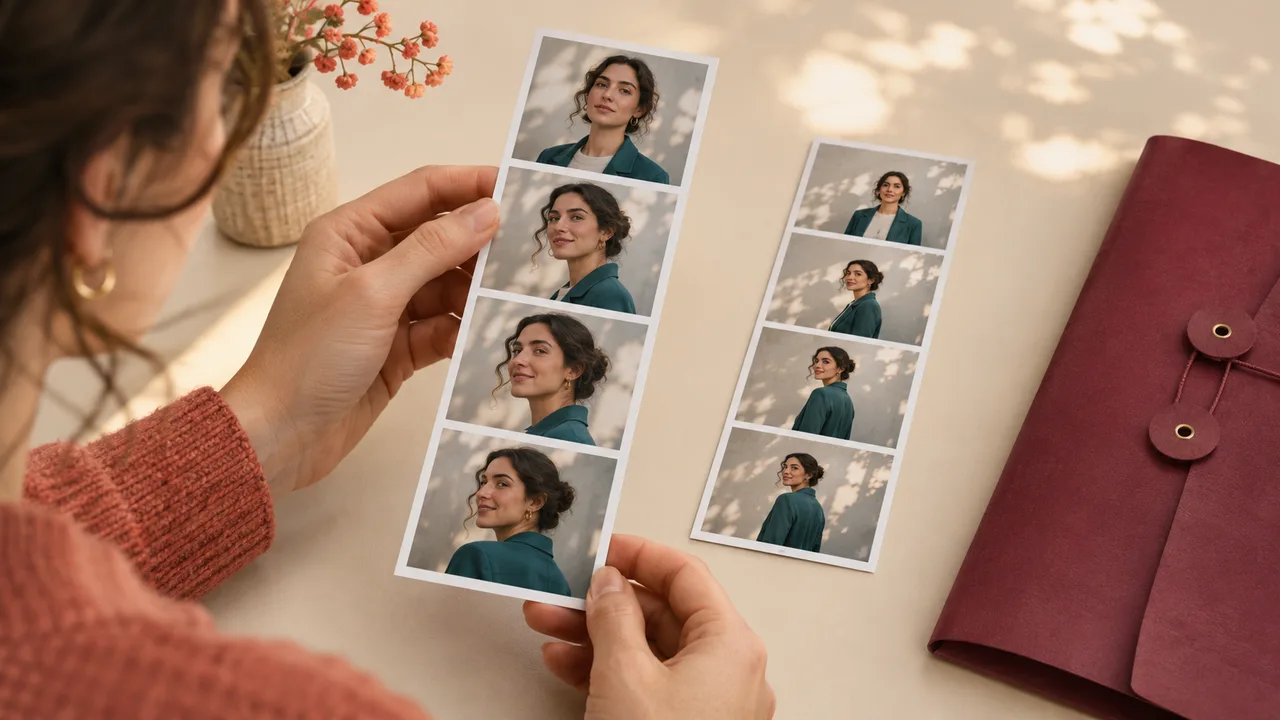
Decide whether a selfie gives your video enough to work with. Match the photo to the movement, and see when a wider or full-body picture makes sense.
Saving and sharing
Prepare your personal AI clip for TikTok or Instagram Reels: save the file, preview the crop, add any text or sound, and check the AI disclosure.
Saving and sharing
Send a downloaded copy of your personal AI video to a friend, check the recipient, and keep private account pages and generation links out of the message.
Getting a better result
Decide whether another AI video is worth paying for. Pick one useful change, check the cost, and separate an unwanted finished clip from a failed job.
Video ideas
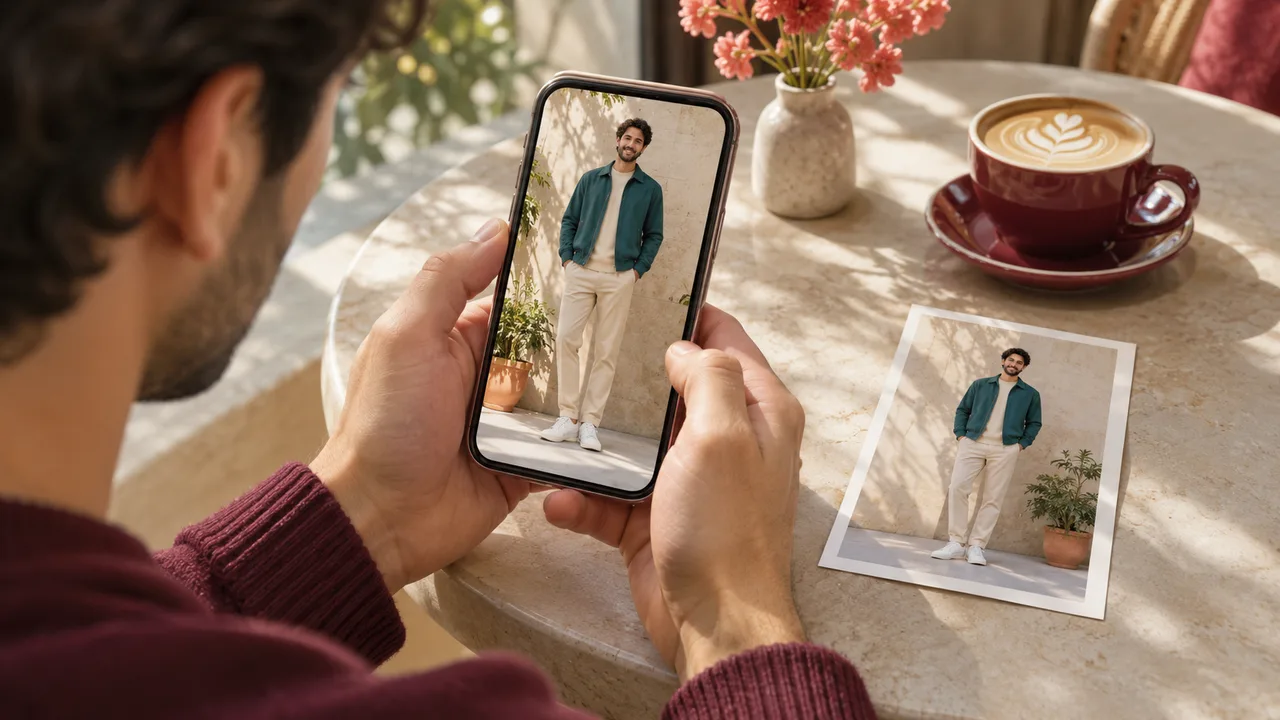
Try a few practical video ideas using your own photo, from a moving outfit portrait to a photo reveal. See which parts need a separate editor.

Published by RemakeWith Editorial. Cover artwork is an AI-generated editorial illustration, not a customer result.